Introduction
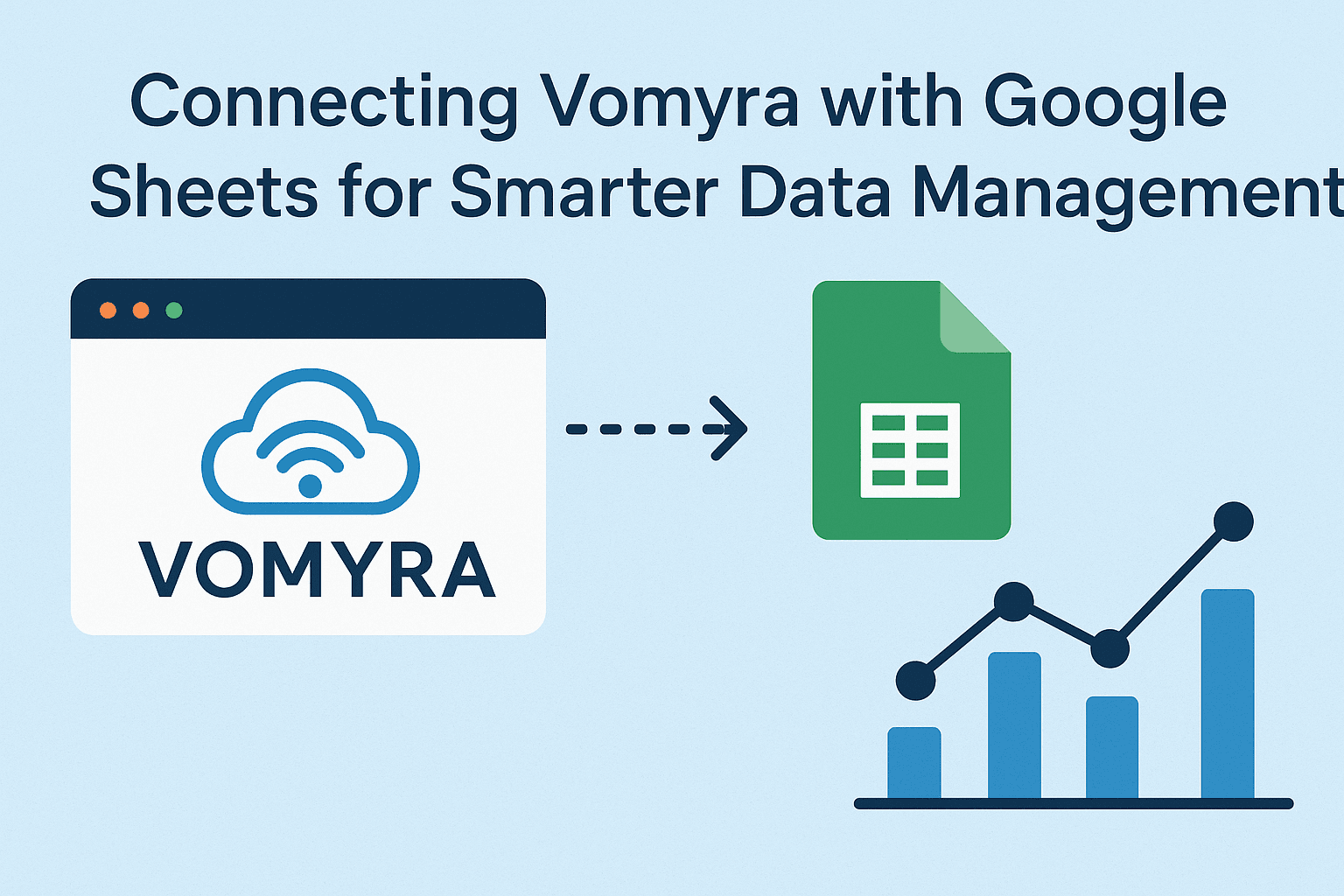
In today’s fast-paced digital world, businesses and individuals alike rely heavily on automation and seamless workflows. The ability to collect, organize, and analyze data efficiently can make or break productivity. This is where Vomyra with Google Sheets becomes a game-changer.
Vomyra, powered by Free Voice AI Agents and AI Voice Assistants, allows users to automate repetitive tasks, streamline data entry, and connect with platforms like Google Sheets for real-time updates. Imagine speaking to your AI assistant and watching your data instantly appear in a spreadsheet, perfectly formatted and ready for analysis. That’s the power of integrating Vomyra with Google Sheets.
In this blog, we’ll explore why this integration is a wise choice, how it works, and how you can use it to transform your data management strategy.
Why Connect Vomyra with Google Sheets?
1. Streamlined Data Entry
Manual data entry is time-consuming and prone to human error. By combining Vomyra with Google Sheets, users can speak or issue voice commands, and data gets recorded directly into a spreadsheet.
Example: A sales representative can update customer information or sales numbers hands-free while on the move.
2. Smarter Data Management
Google Sheets is already a powerful tool for managing and analyzing information. Adding Vomyra into the mix means you can automate updates, sync data from different sources, and keep records without lifting a finger.
3. Enhanced Productivity with Voice Automation
Using Free Voice AI Agents ensures that you can interact with your data in the most natural way possible—through voice. This frees up time and eliminates distractions, allowing you to focus on decision-making instead of repetitive typing.
How Vomyra Works with Google Sheets
Voice-Powered Automation
Vomyra’s AI Voice Assistants can be trained to understand specific commands related to Google Sheets. For example, you could say:
- “Update today’s sales figures.”
- “Add a new row with client feedback.”
- “Fetch the total revenue from this month.”
The assistant then processes your request and performs the corresponding action in Google Sheets.

Real-Time Synchronization
Once connected, changes happen in real time. Whether you’re adding new data, editing existing information, or analyzing figures, everything remains up-to-date.
Custom Workflows
You can build custom workflows where Vomyra automatically captures data from conversations, forms, or other apps and sends it to Google Sheets. This is especially useful for businesses dealing with high volumes of customer interactions.
Practical Use Cases of Vomyra with Google Sheets
1. Sales and Customer Data
Sales teams can record client information, meeting notes, or deal updates by simply talking to their AI assistant. The data is logged instantly into Google Sheets for easy tracking.
2. Project Management
Project managers can track tasks, deadlines, and team updates without switching tabs. A quick voice command ensures all changes are recorded in the shared spreadsheet.
3. Financial Tracking
Freelancers and business owners can update expense reports or revenue logs using voice. No more delays or lost receipts—everything is documented as it happens.
4. Education and Research
Teachers and students can log attendance, record experiment results, or manage study schedules with ease. Voice automation simplifies repetitive academic tasks.
Benefits of Using Vomyra with Google Sheets
- Hands-Free Data Entry: Save time and effort.
- Error Reduction: Minimize human mistakes with automated updates.
- Scalability: Handle large volumes of data effortlessly.
- Accessibility: Perfect for professionals on the go.
- Collaboration: Real-time updates keep everyone on the same page.
Steps to Connect Vomyra with Google Sheets
- Set Up Vomyra – Start by activating your Free Voice AI Agents on the Vomyra platform.
- Integrate Google Sheets – Authorize access to your Google account and select the spreadsheet you want to connect.
- Configure Commands – Define what commands the AI should recognize (e.g., “Add row,” “Update sales,” “Get total”).
- Test the Connection – Try a few commands to ensure smooth functionality.
- Automate Workflows – Customize workflows to log recurring data, such as sales calls, survey responses, or project updates, automatically.
Future of Voice AI in Data Management
The integration of AI Voice Assistants with cloud-based tools like Google Sheets is just the beginning. As voice technology evolves, we’ll see more advanced features like predictive data entry, intelligent analysis, and personalized insights. This not only improves efficiency but also opens doors for more intelligent decision-making across industries.
Conclusion
Connecting Vomyra with Google Sheets transforms the way businesses and individuals manage data. By leveraging Free Voice AI Agents and AI Voice Assistants, you can automate tedious tasks, reduce errors, and boost productivity. Whether you’re managing sales data, financial records, or project timelines, this integration ensures everything is seamless, efficient, and future-ready.
Voice-powered data management isn’t just a convenience—it’s the future of innovative work.
FAQs
What is Vomyra?
Vomyra is a platform that uses Free Voice AI Agents and AI Voice Assistants to automate workflows and simplify data management through voice commands.
Can I use Vomyra with Google Sheets for free?
Yes, you can integrate Vomyra with Google Sheets using its free plan, though advanced features may require an upgrade.
Do I need technical knowledge to connect Vomyra with Google Sheets?
Not at all. The setup process is straightforward, with simple authorization and command configuration steps.
How secure is my data when using Vomyra with Google Sheets?
Vomyra ensures data security by following standard encryption practices and Google’s authentication protocols.
Can Vomyra automate tasks beyond Google Sheets?
Yes, Vomyra integrates with multiple apps and tools, making it helpful in managing workflows across different platforms.