AI voice agents are becoming an important part of business communication. Companies use them to handle customer enquiries, qualify sales leads, schedule appointments, provide support and manage follow-up calls. However, a useful voice agent needs more than the ability to recognise speech and generate spoken responses. It must also understand customer intent, remember conversation context and provide relevant answers.
This is where Claude AI can help. Developed by Anthropic, Claude provides language understanding and reasoning capabilities that can be connected to AI voice agent platforms. With the right setup, businesses can use Claude to process customer requests, generate contextual responses and interact with external business applications.
Claude integration with AI voice agents allows developers to build conversational workflows that go beyond fixed scripts and traditional IVR systems. This guide explains how the integration works, how to set it up, which business processes can benefit and what to consider before deployment.
What Is Claude Integration with AI Voice Agents?
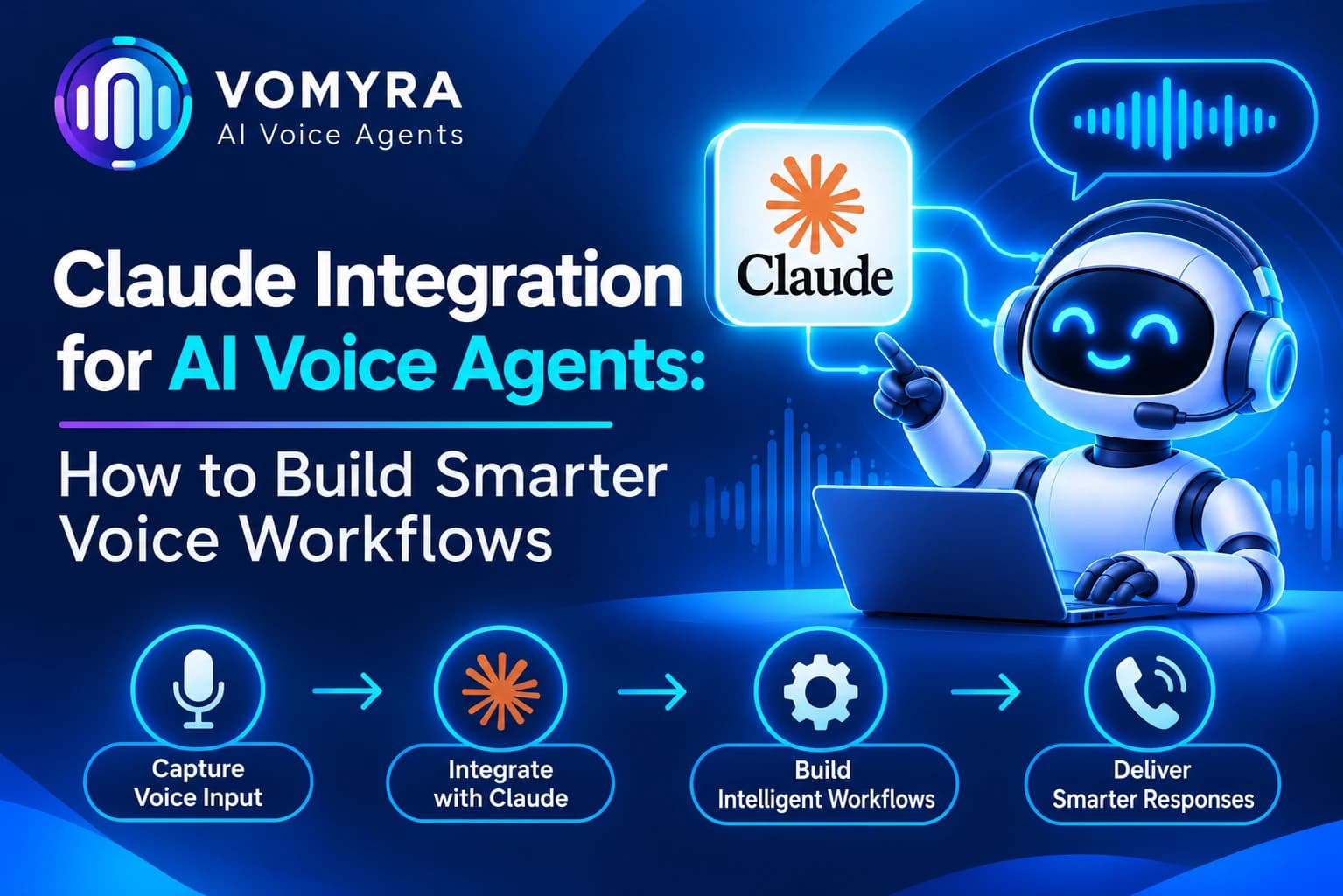
Claude integration connects Anthropic’s Claude models with an AI voice agent system through the Claude API. The model processes conversation text, understands customer requests and generates responses based on instructions and available information.
It is important to understand that Claude is the conversational intelligence layer, not a complete phone-calling system by itself. A voice agent also needs speech recognition, text-to-speech or speech streaming, and telephony infrastructure to communicate with customers over calls.
A typical Claude-powered voice agent combines:
- Speech recognition: Converts customer speech into text.
- Claude AI: Understands the request and generates a relevant response.
- Business knowledge: Supplies approved information about products, services and processes.
- Tool integrations: Connects the agent with CRM, scheduling and other applications.
- Voice generation: Converts the response into spoken audio.
- Telephony: Manages incoming and outgoing phone calls.
When these components work together, businesses can build voice agents that understand customer requirements and perform approved actions during conversations.
How Claude Works with AI Voice Agents
Claude processes the conversation text received from the voice system. It uses the conversation history, system instructions and available tools to determine an appropriate response.
A typical conversation workflow looks like this:
- A customer speaks during a phone call.
- The speech recognition system converts the audio into text.
- The text is sent to Claude through the Anthropic Messages API.
- Claude understands the customer’s intent and prepares a response.
- If an external action is required, Claude can request an available tool.
- The application executes the requested operation and returns the result.
- The voice system converts the final response into audio.
- The customer continues the conversation.
For example, if a customer asks to schedule a product demonstration, Claude can identify the request and call an appointment-booking function. The connected scheduling system checks available slots and returns the result. The voice agent then communicates the available options to the customer.
Anthropic supports tool use through structured tool_use and tool_result content blocks in its Messages API. The application is responsible for executing client-side tools and returning their results to Claude.
Read Also: Chatgpt + Mcp for AI Voice Agents: Practical Guide for Production Calling
How to Integrate Claude with AI Voice Agents
The integration process depends on the voice platform and the architecture selected by the developer. The following steps explain a typical API-based implementation.
Step 1: Create an Anthropic API Account
Start by creating an account in the Anthropic Console. Generate an API key and configure the required API access.
The Claude API provides the Messages endpoint for sending conversational requests to Claude models.
API credentials should remain on a secure backend. Avoid exposing permanent API keys in browser code, mobile applications or public repositories.
Step 2: Select a Voice Agent Platform
Choose a voice agent platform that supports Claude or allows custom API connections.
Before selecting a platform, check whether it supports:
- Anthropic API integration
- Custom model configuration
- Telephony connectivity
- Speech recognition and voice generation
- External API and webhook connections
- Conversation history and call reporting
The platform should also support the response and latency requirements of the intended calling workflow.
Step 3: Connect Claude Through the Messages API
The next step is to connect the voice agent’s backend with Anthropic’s Messages API.
The application sends the recognised customer message, relevant conversation history and system instructions to the selected Claude model.
The response is then passed back to the voice system for spoken delivery.
Developers should manage conversation history carefully so that Claude receives enough context to understand the discussion without sending unnecessary information.
Step 4: Configure System Instructions
System instructions define how Claude should behave during customer conversations.
For example, a sales voice agent may be instructed to:
- Introduce itself clearly.
- Ask relevant questions about customer requirements.
- Use only approved product information.
- Avoid making unsupported pricing or delivery promises.
- Keep responses short and suitable for phone conversations.
- Transfer complex enquiries to a human representative.
Clear instructions help maintain consistent communication and reduce irrelevant responses.
Step 5: Add Tool Use and API Integrations
One of Claude’s useful capabilities is tool use, also known as function calling.
Developers can define tools with names, descriptions and input schemas. Claude can then request a tool when the conversation requires an external action.
For example, a voice agent may have access to tools for:
- Checking appointment availability
- Retrieving customer information
- Updating CRM records
- Checking order status
- Creating customer support tickets
- Scheduling follow-up calls
The backend must validate each request, check permissions and execute the operation. Claude does not independently access a company’s internal database or perform actions simply because they are mentioned in a conversation.
Step 6: Connect Speech Recognition and Voice Generation
Claude’s standard Messages API processes text-based conversations. To use it in a phone-based voice agent, developers need a speech-processing layer.
A typical architecture is:
Customer Audio → Speech-to-Text → Claude API → Response Text → Text-to-Speech → Customer Audio
Choose speech recognition and voice generation services according to language requirements, audio quality and response speed.
For natural conversations, the system should also manage pauses, interruptions and situations where customers speak before the agent has finished responding.
Step 7: Test and Deploy the Workflow
Before launching, test the complete calling experience with different customer questions, accents, background noise and unexpected responses.
Check whether the agent understands requests, provides accurate information, uses tools correctly and transfers conversations when necessary.
Monitor response times, failed tool calls, call completion and customer feedback after deployment.
Read Also: AI Voice Agent for Webinar Leads: Workflow, Benefits and What to Automate
Popular Use Cases of Claude-Powered AI Voice Agents
1. Sales Lead Qualification
Businesses can use Claude-powered voice agents to contact new enquiries and understand customer requirements.
The agent can ask questions about budget, product preferences, purchase timelines and business needs. It can then organise the information and update the connected CRM.
This helps sales teams prioritise relevant leads instead of manually handling every initial enquiry.
2. Customer Support Automation
Customer support teams receive repeated questions about services, orders, payments and account processes.
Claude can understand these questions and generate responses using approved business information. If a customer reports a complex issue, the voice agent can create a support ticket or transfer the call to a human representative.
3. Appointment Scheduling
Healthcare providers, consultants, educational institutions and service businesses can use Claude integration for appointment-related conversations.
The agent can understand the customer’s preferred date and time, check availability through a connected scheduling tool and confirm the appointment when the booking system supports it.
4. E-commerce Order Management
Online businesses can connect Claude-powered voice agents with order management systems.
Customers can ask about delivery updates, order status, returns or basic product information. The agent can retrieve permitted information from connected systems and guide customers towards the next step.
5. Automated Customer Follow-Ups
Businesses often need to follow up after enquiries, product demonstrations, incomplete applications or service requests.
A voice agent can contact eligible customers, understand their latest requirements and record the conversation outcome. This makes follow-up processes easier to manage.
6. Internal Business Assistance
Claude can also support internal voice workflows. Employees may use a voice assistant to retrieve approved company information, create tasks, check schedules or access relevant records through connected applications.
This can help teams reduce repetitive administrative work.
Benefits of Claude Integration for AI Voice Agents
More Context-Aware Conversations
Claude can use conversation history and instructions to understand what a customer is discussing. This helps the voice agent provide relevant responses instead of treating every question as a separate interaction.
Flexible Business Integrations
Through tool use and API connections, Claude can interact with external business applications. This makes it possible to build workflows around CRM updates, scheduling, customer support and information retrieval.
Better Handling of Complex Questions
Businesses can configure Claude to process multi-part questions and generate responses based on approved knowledge sources. This is useful when customers need more than a simple scripted answer.
Reduced Manual Work
Automating routine enquiries and follow-ups allows employees to focus on sales discussions, complex support requests and customer relationships.
Consistent Communication
System instructions and approved business information help businesses maintain a consistent communication approach across different voice workflows.
Scalable Automation
Claude integration can support multiple business processes through reusable tools and workflows. Businesses can expand automation gradually as their requirements grow.
Best Practices for Building Smarter Claude Voice Workflows
Keep Customer Data Secure
Use secure API authentication, restrict access to sensitive information and follow suitable data retention policies. Send only the information required to handle the current request.
Define Tool Permissions
Each tool should have a clear purpose and limited permissions. Validate inputs on the backend before executing actions such as updating records or creating bookings.
Use Approved Knowledge Sources
Connect Claude to accurate business information. Avoid allowing the agent to make unsupported claims about product features, prices, availability or company policies.
Keep Responses Short and Natural
Phone conversations work better when responses are clear and concise. Configure the agent to avoid long explanations unless customers request additional information.
Provide Human Handover
Complex complaints, sensitive requests and unresolved questions should be transferred to trained employees. The handover should include relevant conversation context.
Monitor Performance
Review call completion, response accuracy, tool execution errors, customer satisfaction and escalation rates. Use this information to improve conversation instructions and integration workflows.
How Vomyra Supports Claude Integration for AI Voice Agents

Businesses building conversational voice workflows need a platform that can bring AI models and calling infrastructure together.
Vomyra’s integration environment lists Anthropic among its supported model options. This provides a route for businesses to consider Claude as part of their AI voice agent configuration, subject to the platform’s available model and integration settings.
By combining Claude’s conversational capabilities with telephony and business application connections, teams can build workflows for lead qualification, customer support, appointment scheduling and automated follow-ups.
For example, a business can configure a voice agent to understand a customer’s enquiry, collect relevant information and use connected tools to update a CRM or schedule a meeting.
The exact setup depends on the selected model, available integrations, voice configuration and business requirements. Teams should verify the supported configuration and test the complete workflow before production deployment.
Conclusion
Claude integration gives AI voice agents access to conversational intelligence that can support more flexible customer interactions. By combining the Anthropic API with speech recognition, voice generation, telephony and external tools, businesses can build workflows that understand customer requests and perform approved actions.
From sales qualification and customer support to appointment scheduling and order updates, Claude-powered voice agents can reduce repetitive work and improve how businesses manage customer conversations.
The key is to build the integration around clear instructions, secure API connections, controlled tool permissions and reliable human handover. With the right architecture, Claude integration for AI voice agents can become a useful part of modern business communication.
Frequently Asked Questions
1. Can Claude be integrated with AI voice agents?
Yes. Claude can be connected to an AI voice agent through the Anthropic API. A separate speech recognition, voice generation and telephony layer is required for phone-based conversations.
2. Does Claude support function calling for voice agents?
Yes. Claude supports tool use through structured tool requests. Developers can define functions for tasks such as CRM updates, appointment booking and customer information retrieval. The application executes these functions and returns the results to Claude.
3. Which API is used to integrate Claude with a voice agent?
The Anthropic Messages API is commonly used for text-based conversational integration. Developers send messages and conversation context to a selected Claude model and process the response through their voice application.
4. Can Claude voice agents connect with CRM platforms?
Yes. Developers can connect Claude with CRM platforms through APIs and custom tools. This can allow the agent to retrieve permitted customer information, create lead records and update interaction details.
5. Is Claude suitable for real-time AI voice conversations?
Claude can provide the conversational reasoning layer, but its standard Messages API is text-based. Real-time voice applications need a separate audio pipeline and should be tested for response latency, interruptions and turn-taking.
6. What are the main benefits of Claude integration with AI voice agents?
The main benefits include context-aware conversations, flexible tool integrations, automated business workflows, reduced manual work and more consistent customer communication.