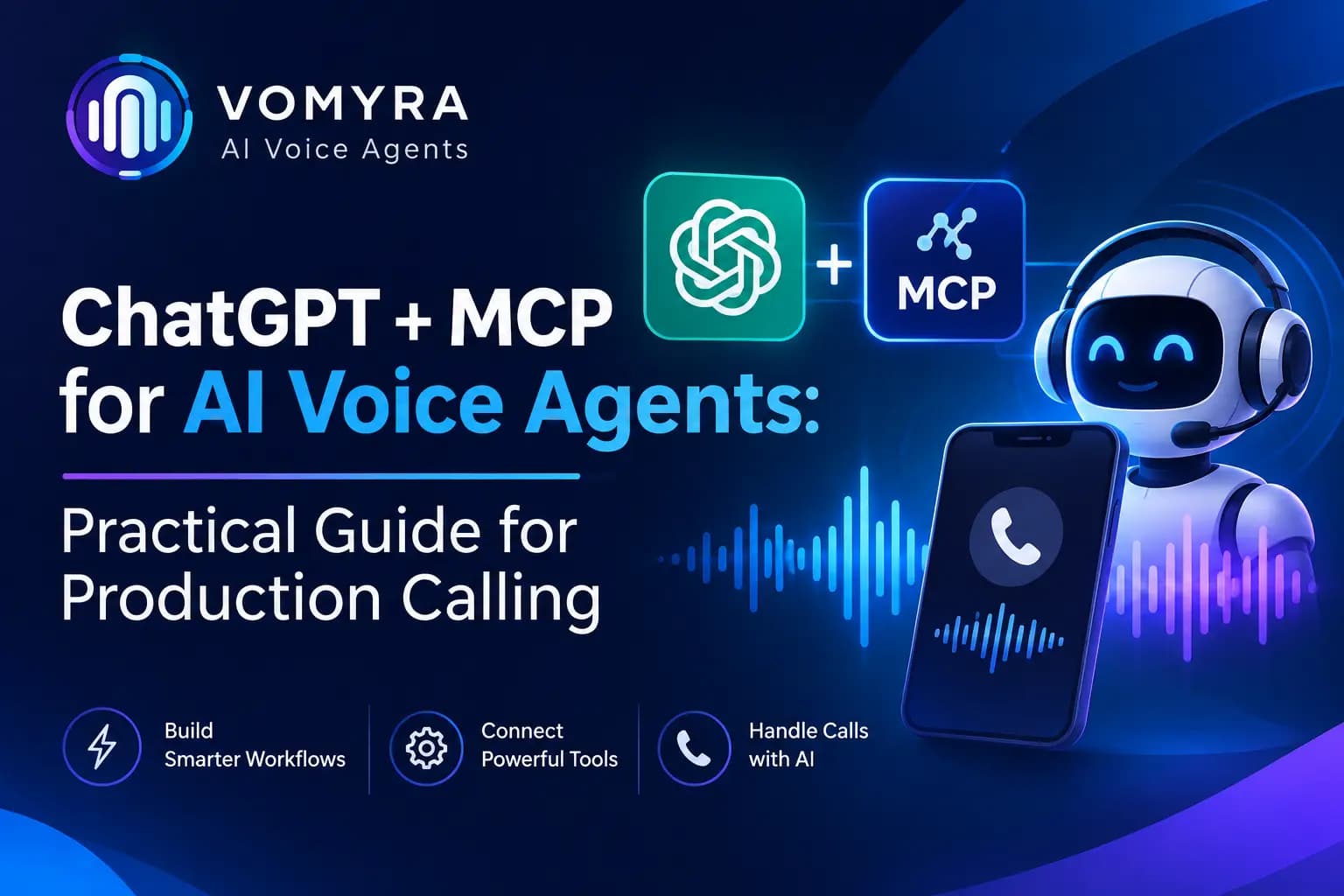
AI voice agents are changing how businesses manage customer conversations, sales calls and support operations. They can answer questions, qualify leads, schedule appointments and handle repetitive phone interactions without requiring employees to manage every conversation manually. However, as businesses move from basic voice automation to more advanced AI calling systems, they need a way to connect voice agents with external tools, applications and business data.
This is where the Model Context Protocol (MCP) becomes useful.
ChatGPT combined with MCP can help businesses manage AI voice agents through natural language instructions. Instead of manually configuring every action in a dashboard, users can ask an AI assistant to create voice agents, launch calling campaigns, inspect call records and manage different operations through connected tools.
For production calling, MCP also makes it possible to connect voice agents with external systems during conversations. This allows an agent to retrieve customer information, check appointment availability, update CRM records or trigger other business actions.
Platforms such as Vomyra support this approach by connecting AI tools with voice agents through MCP. This guide explains how the integration works, how to use it in production and what businesses should consider before deploying it.
What Is MCP in AI Voice Agents?
MCP stands for Model Context Protocol. It is an open standard that allows AI applications to communicate with external tools, services and data sources through a common protocol.
Traditionally, connecting an AI assistant to multiple applications requires separate integrations. Each integration may need its own authentication method, API configuration and tool definitions.
MCP provides a standardized way to expose these capabilities to AI applications.
For example, consider a business using an AI voice agent for customer support. The agent may need access to a CRM, appointment system and customer database. Through an MCP-compatible integration, these systems can expose specific tools that the AI can use when required.
Instead of only answering questions, the AI agent can retrieve information and perform permitted actions.
In voice automation, MCP can support two important workflows:
- ChatGPT or another AI assistant can control voice agents through an MCP server.
- A voice agent can connect to external tools through an MCP client integration.
These workflows serve different purposes but can work together in a larger automation system.
How ChatGPT and MCP Work Together With AI Voice Agents
The integration involves three main components: ChatGPT, an MCP server and the voice AI platform.
ChatGPT understands the user’s instructions and identifies the required action. The MCP server provides access to the available tools. The voice AI platform performs the requested calling operation and returns relevant information.
For example, a business owner might ask ChatGPT:
“Create a voice assistant for appointment confirmations and call all customers who have appointments tomorrow.”
The workflow can look like this:
- ChatGPT interprets the instruction.
- It identifies the required MCP tools.
- The MCP server provides access to the voice agent platform.
- The platform creates or selects the required assistant.
- The calling workflow uses the relevant customer records.
- The system initiates the permitted calls.
- Call results and transcripts become available for review.
This approach makes voice agent management easier for teams that handle several campaigns or assistants.
Read Also: What is a MCP Server? How Vomyra Uses It for Smarter Voice Agents
Two Ways to Use MCP With AI Voice Agents
Understanding the difference between these two integration methods is important when designing a production system.
1. Vomyra as an MCP Server: Control Voice Agents From ChatGPT
In this setup, Vomyra exposes its voice AI operations through an MCP server. ChatGPT can connect to the server and use the available tools to manage voice agents.
For example, a user can ask ChatGPT to create an assistant, configure its settings, start an outbound calling campaign or retrieve previous call transcripts.
It uses Streamable HTTP transport and supports OAuth-based authentication.
Its MCP integration exposes operations across four main areas:
- Assistants: Create, configure and manage voice assistants.
- Tools: Build and control actions available to assistants.
- Calls: Initiate outbound calls and retrieve transcripts.
- Numbers: Inspect phone numbers and calling configurations.
This makes ChatGPT useful as a conversational control interface for voice AI operations.
Instead of navigating multiple dashboard sections, users can describe the task they want to complete and let the connected tools handle the required operations.
2. Vomyra as an MCP Client: Give Voice Agents Access to External Tools
The second approach focuses on what happens during a live phone conversation.
Here, the voice agent can access external tools when it needs additional information or must complete an action.
For example, imagine a customer calling a service company to book an appointment.
The AI voice agent can:
- Understand the customer’s request.
- Check available appointment slots using a connected tool.
- Retrieve relevant customer information.
- Confirm the preferred appointment.
- Update the booking system.
- Communicate the confirmation to the customer.
This reduces the need for manual intervention in routine conversations.
The MCP connection acts as a bridge between the voice agent and external business applications.
Practical Workflow: Building a Production Calling System With ChatGPT and MCP
A production calling setup requires more than connecting ChatGPT to an MCP endpoint. Businesses need to define their calling objectives, configure assistants, connect data sources and test how the system behaves during real conversations.
Here is a practical workflow.
Step 1: Connect ChatGPT to the MCP Server
Start by connecting ChatGPT to the voice AI platform’s MCP endpoint.
For Vomyra, the connection uses:
- Server URL: https://console.Vomyra/mcp
- Transport: Streamable HTTP
- Authentication: OAuth
Follow the supported custom MCP app setup process in ChatGPT. Depending on the account and workspace, developer mode and custom app permissions may be required.
After connecting, complete the authentication process and check which tools are available.
Step 2: Create and Configure the Voice Assistant
Once the connection is active, use ChatGPT to help configure a voice assistant.
Define its purpose, target audience, language, conversation instructions and expected outcomes.
For example, a lead qualification assistant may need to:
- Introduce the company.
- Understand why the customer is interested.
- Ask about their requirements.
- Collect relevant information.
- Identify qualified prospects.
- Arrange a sales callback.
The instructions should clearly explain what the assistant can and cannot do.
Step 3: Connect Business Tools
A production AI voice agent often needs information from external systems.
Common integrations include CRM platforms, appointment booking software, customer databases, payment systems and internal business applications.
MCP can provide a standardized way to expose selected functions from these systems.
For example, a CRM integration may expose tools such as retrieving a customer record, updating lead status or adding a follow-up note.
Keep tool permissions limited to the actions the assistant actually needs.
Step 4: Configure Calling Campaigns
After creating the assistant, define the calling campaign.
This includes selecting the appropriate phone number, identifying the target contact list, setting calling schedules and defining what should happen after each call.
For production calling, businesses should also configure retry rules, unsuccessful call handling, timeouts and escalation procedures.
ChatGPT can help manage these operations through the available MCP tools, while the voice AI platform handles the calling execution.
Step 5: Test Before Launching
Testing is essential before allowing an AI voice agent to contact real customers.
Check how it handles different accents, unclear responses, interruptions, background noise and unexpected questions.
Also test tool failures. For example, if a CRM system is unavailable, the assistant should not pretend that a customer record was successfully updated.
Use test calls and controlled campaigns before increasing calling volume.
Step 6: Monitor Calls and Improve Performance
Once the system is running, review call transcripts, outcomes and errors.
Look for common customer questions, failed tool actions, repeated misunderstandings and conversations that require human intervention.
These findings can help improve the assistant’s instructions, tool configuration and calling workflows.
What Can Businesses Automate With ChatGPT + MCP?
The combination of ChatGPT and MCP can support different production calling requirements.
Automated Sales and Lead Qualification
Businesses can use ChatGPT to manage voice assistants that contact new leads, ask qualifying questions and collect information about customer requirements.
The voice agent can retrieve lead details, update CRM records and arrange callbacks for interested prospects.
Appointment Booking and Confirmation
Healthcare providers, service companies and consultation businesses can use connected tools to check availability, book appointments and send confirmations.
The voice agent can handle routine scheduling requests while transferring complex cases to employees.
Customer Support Operations
An AI voice agent can retrieve order information, check service status and provide relevant answers using connected business tools.
If a request requires additional attention, the conversation can be escalated to a human support representative.
Payment and Order Follow-Ups
Businesses can configure calling workflows to contact customers about pending orders, payment confirmations or delivery updates.
Sensitive payment operations should use secure, approved payment workflows rather than collecting confidential card details directly through an ordinary voice conversation.
Bulk Outbound Calling
Businesses managing large contact lists can use ChatGPT to initiate and monitor calling workflows through MCP-connected platforms.
For example, an organization can request a campaign for a specific customer segment, language and business objective.
Campaign execution should still follow contact permissions, calling restrictions and platform safeguards.
Production Considerations: Security, Reliability and Performance
A system that works during a demonstration may not perform reliably when handling thousands of real customer interactions.
Production deployment requires attention to several technical areas.
Authentication and access control: Use secure authentication such as OAuth where supported. Ensure that every tool request is authorized and that users can access only the information and actions permitted to them.
Tool permissions: Do not give every voice agent unrestricted access to business systems. Separate read operations from actions that modify customer records or trigger external operations.
Error handling: Define what should happen when an API fails, a tool times out or a customer record cannot be found. The agent should provide an honest response instead of inventing successful results.
Rate limits and concurrency: Check the limits of the MCP server, voice platform, CRM and external APIs. Test expected call volumes before launching large campaigns.
Data privacy: Avoid exposing unnecessary customer information through tool responses and logs. Protect credentials and use appropriate data retention policies.
Human escalation: Provide a clear process for transferring sensitive or complex conversations to a human representative.
Call compliance: Follow applicable telecom and privacy requirements, including customer consent, permitted calling hours and opt-out requests. In India, businesses must consider applicable TRAI commercial communication requirements.
These measures help make AI voice automation more reliable and suitable for real business operations.
Why Choose Vomyra for ChatGPT and MCP Integration?

Businesses looking to combine conversational AI with production calling need a platform that supports both agent management and external tool connectivity.
Vomyra provides an MCP-based approach that supports communication between AI assistants, voice agents and business tools.
Its integration offers several useful capabilities:
- Manage voice assistants through connected AI applications.
- Create and configure assistants using conversational instructions.
- Initiate outbound calls through supported operations.
- Retrieve call transcripts for analysis.
- Connect voice agents with external tools.
- Use Streamable HTTP for MCP communication.
- Support OAuth 2.1 and API key authentication options as documented by the platform.
This allows developers and business teams to build workflows where AI assistants manage calling operations and voice agents interact with business systems.
For teams building advanced voice automation, this can reduce the need to manage every operation manually through separate interfaces.
Conclusion
ChatGPT and MCP offer a practical way to connect conversational AI with voice automation and business applications. ChatGPT can help users manage voice agents through natural language instructions, while MCP-compatible tools allow those agents to access external systems and perform useful actions during calls.
For production calling, the real value comes from connecting these capabilities into a reliable workflow. Businesses need secure authentication, controlled tool access, proper testing and continuous monitoring to ensure that automated conversations deliver accurate results.
With its MCP server and client capabilities, Vomyra provides a way to connect AI assistants, voice agents and business tools within a unified automation workflow. This approach can help businesses move beyond basic automated calls towards more connected and action-oriented voice AI systems.
Frequently Asked Questions
1. What is MCP in ChatGPT?
MCP, or Model Context Protocol, is an open standard that allows ChatGPT and other AI applications to connect with external tools, services and data sources through a common interface.
2. Can ChatGPT control AI voice agents?
Yes. When connected to an MCP server that exposes voice agent operations, ChatGPT can perform supported actions such as creating assistants, initiating calls and retrieving transcripts.
3. Can AI voice agents use MCP tools during calls?
Yes. An MCP-compatible voice agent can use connected tools to retrieve information or perform supported business actions during a conversation.
4. Is MCP suitable for production calling?
Yes, MCP can be part of a production calling architecture. However, authentication, permissions, error handling, rate limits, monitoring and calling compliance must be properly configured.
5. How do I connect Vomyra with ChatGPT?
Use Vomyra’s MCP endpoint, https://console.Vomyra/mcp, and follow its ChatGPT connection guide. Complete the supported authentication and tool configuration steps.
6. What is the difference between an MCP server and an MCP client?
An MCP server exposes tools and resources that an AI application can access. An MCP client connects to an MCP server and uses the tools it provides. A platform can support both roles for different workflows.
7. Can MCP connect AI voice agents with CRM software?
Yes. An MCP integration can expose approved CRM operations, such as retrieving customer information, updating lead status and recording call outcomes.