AI voice agents are becoming useful for businesses that handle customer enquiries, appointments, sales calls, and follow-ups. However, a voice agent needs more than a good conversation model to work reliably in real calling environments.
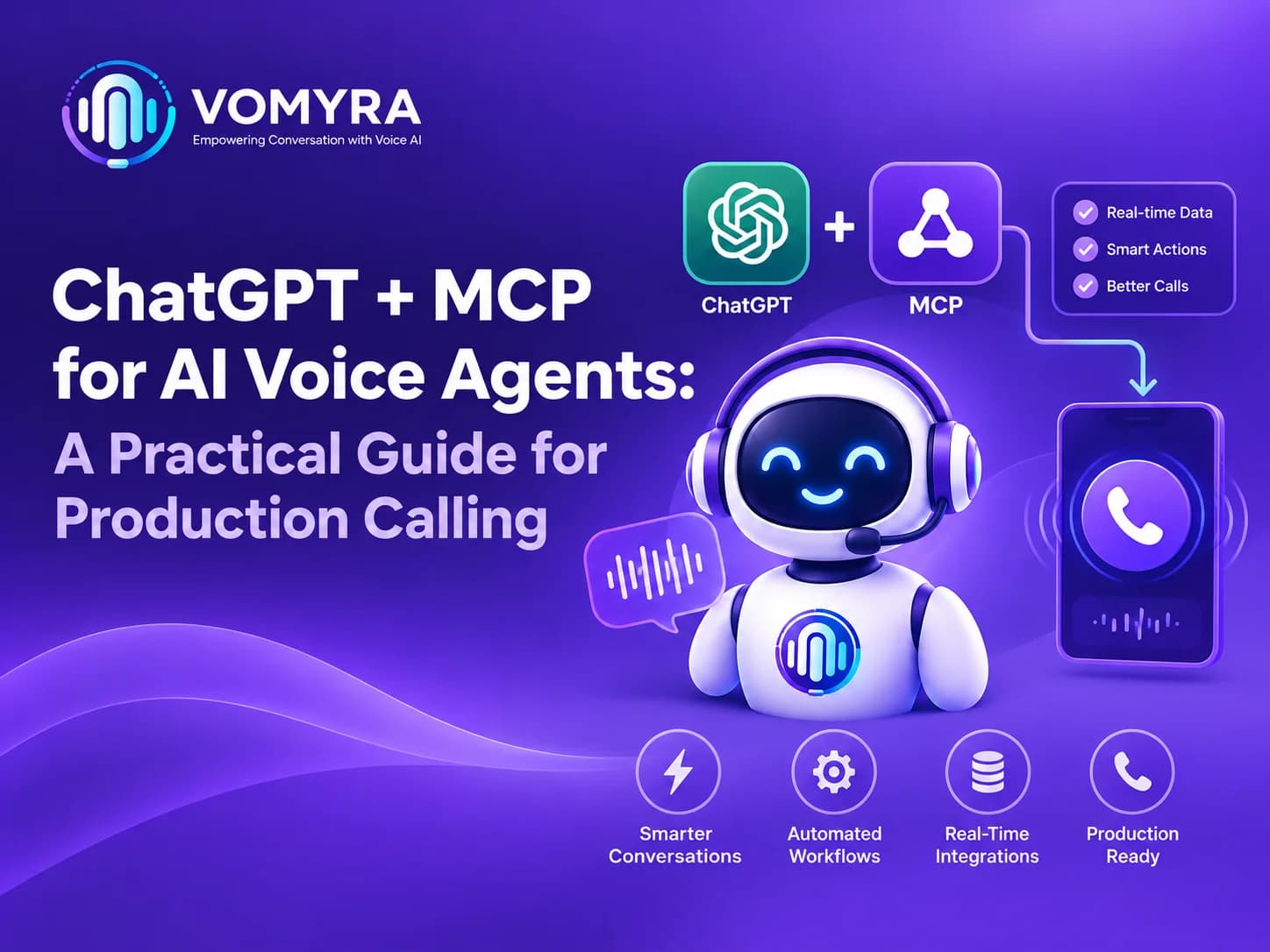
It must also access the right information, perform actions correctly, and handle failures without disrupting the call. ChatGPT + MCP for AI Voice Agents offers a way to connect conversational intelligence with external tools and business systems.
ChatGPT can help interpret what a caller says, while MCP provides a standard method for connecting AI applications with tools and contextual data. When combined with a voice platform, these technologies can support practical calling workflows.
What Is ChatGPT + MCP for AI Voice Agents?
ChatGPT is a conversational AI technology that can understand requests, generate responses, and help manage multi-step interactions. Depending on the model and integration, it can also support tool calling to perform specific tasks.
MCP, or Model Context Protocol, is an open protocol that standardises how AI applications connect to external tools and data sources. Instead of building a separate connection for every supported tool, developers can use MCP-compatible servers to expose defined capabilities.
Vomyra can be part of a voice automation setup where calling workflows need to connect conversations with business processes. The exact capabilities depend on the selected platform, integrations, and implementation.
How MCP Works With AI Voice Agents
Understanding the Connection
A voice agent typically converts spoken audio into information that an AI model can process. The model determines the caller’s intent and generates a suitable response, which is then converted into speech.
When an action is required, the application can use an MCP client to communicate with an MCP server. That server exposes approved tools, such as checking appointment availability or retrieving a customer’s booking details.
For example, a caller might say, “Can I reschedule my appointment for Friday?” The voice agent understands the request, checks the relevant scheduling tool, and explains the available options.
The Role of Each Component
A typical setup includes:
- Voice layer: Handles incoming and outgoing audio.
- Conversation model: Interprets requests and generates responses.
- Application logic: Manages the conversation state and decides when tools are needed.
- MCP client and server: Provide a standard connection to approved external tools.
- Business systems: Store customer records, bookings, and other operational data.
ChatGPT MCP integration for voice agents helps developers organise these connections without treating every external service as a separate conversational system.
Practical Use Cases for Production Calling
1. Appointment Booking and Rescheduling
Service businesses can use voice agents to answer booking requests, check available time slots, and update appointments. MCP tools for AI calling workflows can expose approved scheduling actions to the application.
The system should confirm the date, time, and customer details before changing a booking. It should also check the final result before telling the caller that the appointment has been updated.
2. Lead Qualification and Follow-Up
Sales teams often need to collect information about a customer’s needs, location, budget, and preferred callback time. An AI agent can ask these questions during a call and send the collected information to a CRM.
MCP servers for AI voice automation can expose functions for saving lead details, retrieving records, or scheduling follow-ups. Developers should validate the information before saving it to avoid incomplete or duplicated records.
3. Customer Support and Information Retrieval
A caller may ask about an order, service request, invoice, or previous interaction. Rather than relying only on information in the conversation, the agent can retrieve authorised details from a connected system.
Model Context Protocol for AI voice agents provides a structured way to make these resources and tools available. Access permissions must ensure that callers receive only information they are authorised to see.
Designing a Reliable AI Voice Agent Architecture
A production system needs to coordinate audio, model responses, tool execution, and call control. A simple demonstration may work with a single request, but real calls involve interruptions, unclear answers, timeouts, and unexpected situations.
Build a Clear Request Flow
A practical AI voice agent architecture follows this sequence:
- Receive audio from the caller.
- Convert speech into text or process the audio using a supported real-time model.
- Identify the caller’s intent and determine the next step.
- Call an approved tool when external information or an action is needed.
- Validate the tool result and generate a response.
- Convert the response into speech.
- Record the outcome and continue or end the call.
ChatGPT voice agent integration should preserve the conversation context without sending unnecessary information to every connected service.
Separate Conversation Logic From Business Actions
The language model should not independently control every business operation. Use application-level rules to validate tool arguments, check permissions, and prevent unauthorized actions.
For example, a model may identify that a customer wants to cancel a booking. The application should verify the booking identifier and cancellation policy before allowing the action.
This separation makes MCP-based voice automation easier to test, maintain, and secure.
Key Components of ChatGPT + MCP for AI Voice Agents
| Component | Main Function | Example in Production Calling |
| ChatGPT or AI Model | Understands caller intent and generates responses | Identifies a request to reschedule an appointment |
| Voice Processing System | Handles speech input and spoken responses | Converts the caller’s speech into text and replies naturally |
| MCP Client | Connects the AI application to MCP servers | Sends a request to check appointment availability |
| MCP Server | Exposes approved tools and data | Provides access to booking or customer lookup functions |
| CRM Integration | Manages customer and lead information | Saves contact details and records enquiry outcomes |
| Telephony Integration | Connects the agent to phone calls | Handles incoming calls and outbound calling |
| Security and Monitoring | Controls access and tracks system performance | Validates actions, records errors, and monitors response delays |
Important: MCP does not replace the voice system, AI model, or telephony provider. It provides a standardized way for the application to connect with external tools and data sources.
Read More: Vomyra MCP Server: Technical Deep Dive
Best Practices for Production Deployment
Manage Latency During Calls
Real-time AI voice calling requires quick responses. Delays can make conversations feel unnatural, especially when the agent waits for an external tool.
Use timeouts, efficient tool calls, and short responses. Where appropriate, the agent can tell the caller it is checking information rather than remaining silent while a system responds.
Handle Tool Failures Gracefully
An MCP server or business API may become unavailable during a call. The voice agent should not invent an answer or claim an action succeeded when the tool failed.
Provide a fallback response, offer a human transfer, or arrange a callback. For important operations, verify the final state before confirming completion.
Protect Customer Data
Use authentication, least-privilege permissions, input validation, and secure transport for tool connections. Avoid exposing API keys or sensitive credentials to the language model.
Production systems should also define data retention rules, recording policies, and access controls. Outbound calling workflows must follow applicable consent, privacy, and telemarketing requirements.
Monitor Calls and Tool Activity
Track call completion, response latency, tool errors, successful bookings, transfers, and customer satisfaction. Logs should help developers investigate problems without unnecessarily storing sensitive conversation details.
Vomyra can support a broader voice automation workflow, but teams should confirm the available integration options and operational controls before selecting a production design.

Common Mistakes to Avoid
Developers can run into problems when they connect tools without defining clear rules for how those tools should be used.
Avoid these mistakes:
- Giving the model access to unnecessary business functions.
- Allowing appointment changes without confirmation or validation.
- Ignoring timeouts and duplicate requests.
- Testing only with clear speech and predictable questions.
- Treating a successful tool request as proof that a business action completed.
- Deploying without monitoring call quality and failure rates.
ChatGPT + MCP for AI Voice Agents works best when tool access, conversation design, and error handling are planned together rather than added separately after deployment.
Conclusion
ChatGPT + MCP for AI Voice Agents provides a practical approach to connecting conversational AI with external tools and business systems. ChatGPT can manage the conversation, while MCP offers a standardized method for exposing approved capabilities such as scheduling, lead management, and customer information retrieval.
For production calling, the priority should be reliable execution, low latency, secure access, and clear fallback behaviour. With careful testing and monitoring, Vomyra can be considered as part of a voice automation strategy designed around real business requirements.
Frequently Asked Questions
1. What does MCP do in an AI voice agent?
MCP standardises how an AI application connects to external tools and data sources. A voice agent can use these connections to retrieve information or request business actions through approved integrations.
2. Can ChatGPT and MCP automate phone calls?
Yes, when combined with a compatible voice interface, application logic, and telephony integration. MCP connects the application to tools, while the voice and conversation components handle the spoken interaction.
3. Do MCP servers handle voice or audio directly?
Not necessarily. MCP primarily provides a protocol for connecting AI applications with tools and context. Audio capture, speech processing, and telephony are generally handled by separate components.
4. Is MCP suitable for production calling?
It can be suitable when implemented with authentication, permission controls, timeouts, monitoring, and failure handling. Production readiness depends on the complete system, not MCP alone.
5. How can businesses start using MCP with voice agents?
Start with one workflow, such as checking appointment availability or saving qualified leads. Connect only the required tools, test common failure scenarios, measure latency, and expand after the workflow performs reliably.