Introduction
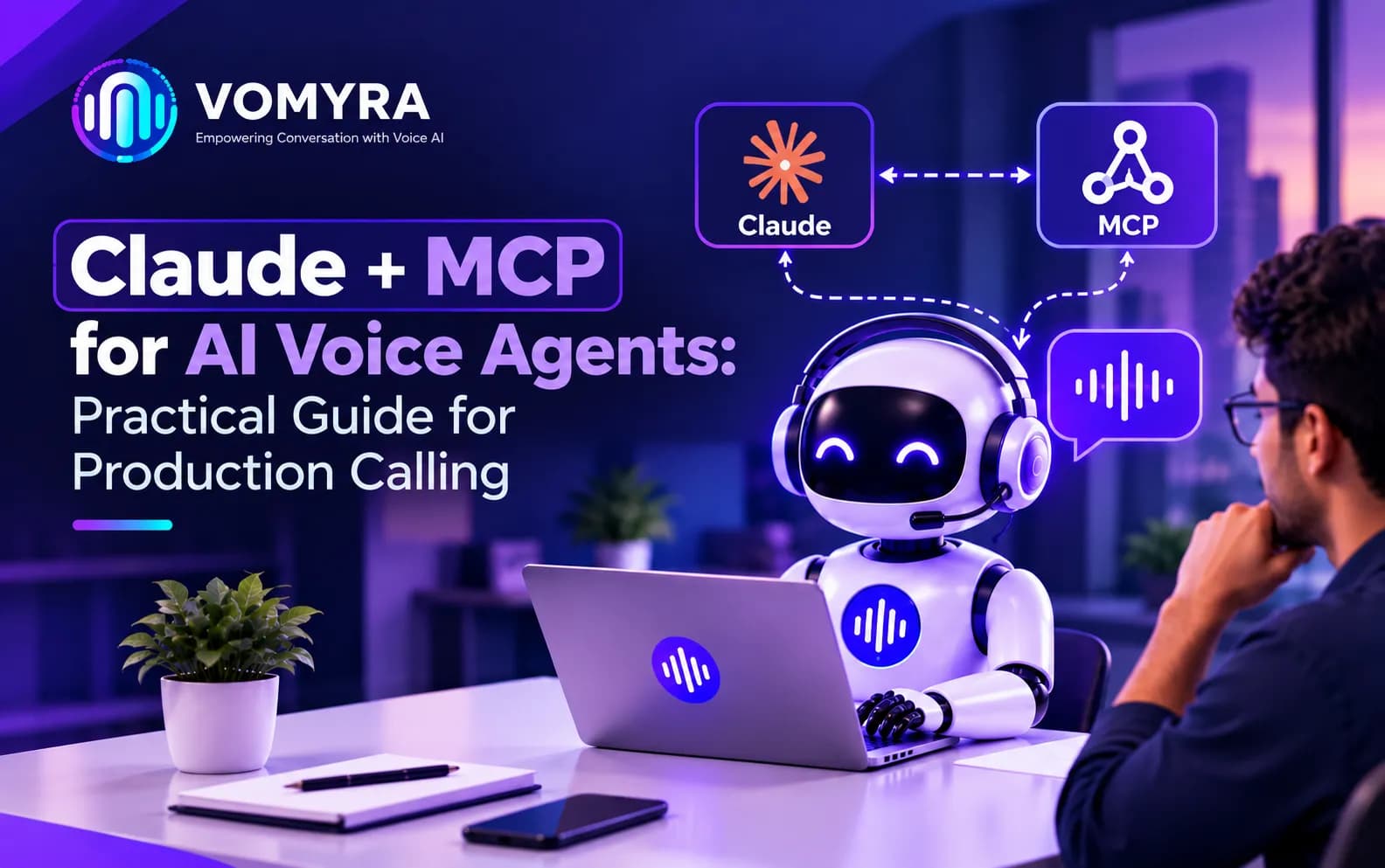
Voice agents need more than a model that understands speech. During a call, an agent may check a booking, update a customer record, or transfer the caller to a person. Claude + MCP for AI Voice Agents offers a way to connect conversational reasoning with tools and business systems, provided the architecture is designed for live calls.
Claude can interpret a request and decide what information or action is needed. The Model Context Protocol (MCP) for AI voice agents provides a standard way for applications to connect with external tools and data sources.
How Claude and MCP Work Together
Claude handles language understanding and response generation. A voice platform manages audio, speech recognition, playback, call state, and telephony. MCP can provide a consistent interface for Claude API integration for voice agents, connecting the application with calendars, CRMs, order systems, or knowledge bases.
A typical call flow
- The caller speaks, and the voice platform converts speech into text or streams audio to a model-supported pipeline.
- The application sends the relevant conversation context to Claude.
- Claude identifies whether a tool is needed and requests an approved action.
- The application validates the request and calls the relevant MCP server or service.
- The tool returns structured data, which Claude uses to form a clear spoken response.
The application remains responsible for permissions, validation, timeouts, and final actions. This is the purpose of the Model Context Protocol (MCP) for AI voice agents.
Where MCP Fits in a Voice Architecture
A reliable design separates audio, orchestration, the model, and business integrations.
MCP servers for AI voice agents can expose focused functions such as checking appointment availability, retrieving an order status, or creating a support ticket. Keep each tool narrow and define required fields clearly. Well-scoped MCP servers for AI voice agents are easier to audit. Use small MCP servers for AI voice agents. A tool that simply says “manage customer” is harder to secure and test than separate read-only and update operations.
For an appointment change, Claude can collect a date, check availability, and ask for confirmation before the application submits the update.
Designing Tool Calls for Live Conversations
Keep tool descriptions precise
AI voice agent tool calling works best when each tool has a clear purpose, expected inputs, and understandable errors. Describe each tool’s purpose, inputs, and limits. Use structured schemas for dates, identifiers, and enumerated options instead of relying on free-form text. This makes AI voice agent tool calling easier to test, while good AI voice agent tool calling returns clear errors. Test AI voice agent tool calling with invalid inputs.
Validate every argument before execution. Do not trust model-generated customer IDs or account changes without checks. Check permissions and business rules in the service that owns the data.
Plan for delays and failures
Silence feels broken to callers. Set timeouts and return concise error messages. For slow lookups, use a brief holding phrase.
Claude API integration for voice agents should measure model, tool, and speech latency separately. Strong Claude API integration for voice agents keeps timings visible. Reliable Claude API integration for voice agents should also have clear error handling. Retry only safe operations; use idempotency keys to prevent duplicate bookings or tickets.
Production Calling: Reliability, Privacy, and Control
A Production voice calling API must be tested under real call conditions, not only with text prompts. Test noise, accents, interruptions, missing details, and incomplete service responses. Measure task completion, tool error rate, response delay, transfer rate, and call drop-off.
These metrics show whether the Production voice calling API meets its targets. Teams should monitor the Production voice calling API after every major release.
Real-time voice agent workflows need a clear uncertainty path: ask one focused question, offer choices, or transfer to a human. Never let the model invent a successful outcome.
The Model Context Protocol (MCP) for AI voice agents does not remove the need for application security. Authenticate users, validate inputs, apply rate limits, and separate read actions from record changes. Before launch, review consent, recording notices, and local data protection requirements.
Read More: Why Vomyra MCP Architecture Makes It the Most Future-Ready Voice AI Platform

Implementation Checklist
Start with one use case, such as appointment lookup, and map where live data, confirmation, or human help is needed.
A rollout can follow these steps:
- Choose a use case and define success.
- Build one MCP server with a small set of well-scoped tools.
- Connect Claude through an orchestration layer that validates every request.
- Test tool errors, slow responses, duplicate requests, and interrupted calls.
- Review transcripts and improve tool descriptions and fallbacks.
- Expand only after access controls and monitoring have been tested.
For teams building AI calling systems, Vomyra can be considered as part of the voice stack when it fits the project’s requirements. The model, telephony provider, and MCP setup depend on requirements.
Conclusion
Claude + MCP for AI Voice Agents can connect natural conversation with real business actions, but production quality depends on more than the model. Use narrow tools, validated inputs, clear permissions, practical fallback paths, and monitoring across the full call. Real-time voice agent workflows should feel responsive to callers while remaining predictable for the business. Test real-time voice agent workflows after launch. Review real-time voice agent workflows monthly.
MCP servers for AI voice agents are most useful when they make integrations consistent without hiding important controls. Start with one workflow, test it under realistic conditions, and expand based on measured results. Vomyra and other voice platforms can fit into this design when their capabilities match the required call flow.
FAQs
1. What does MCP do for an AI voice agent?
MCP provides a standard way for an application to connect an AI model with approved tools and data sources. This is the basic role of the Model Context Protocol (MCP) for AI voice agents. It does not replace the voice platform or the application’s security controls.
2. Does Claude handle phone calls by itself?
No. A production system also needs telephony, speech processing, orchestration, integrations, and monitoring.
3. Are MCP servers safe to use in customer calls?
They can be used safely when access is limited, inputs are validated, credentials are protected, and actions are logged. Sensitive or irreversible actions should require additional checks.
4. How can teams reduce delays during a voice call?
Use timeouts, keep tools focused, measure each part of the response pipeline, and avoid unnecessary tool calls. Provide a clear fallback when a service is slow or unavailable.
5. How should a team begin building with Claude and MCP?
Choose one low-risk workflow, expose only the required tools, test failure cases, and monitor call outcomes before expanding. Vomyra can be considered as part of the voice stack when it fits the project’s requirements. Evaluate Vomyra against the workflow.