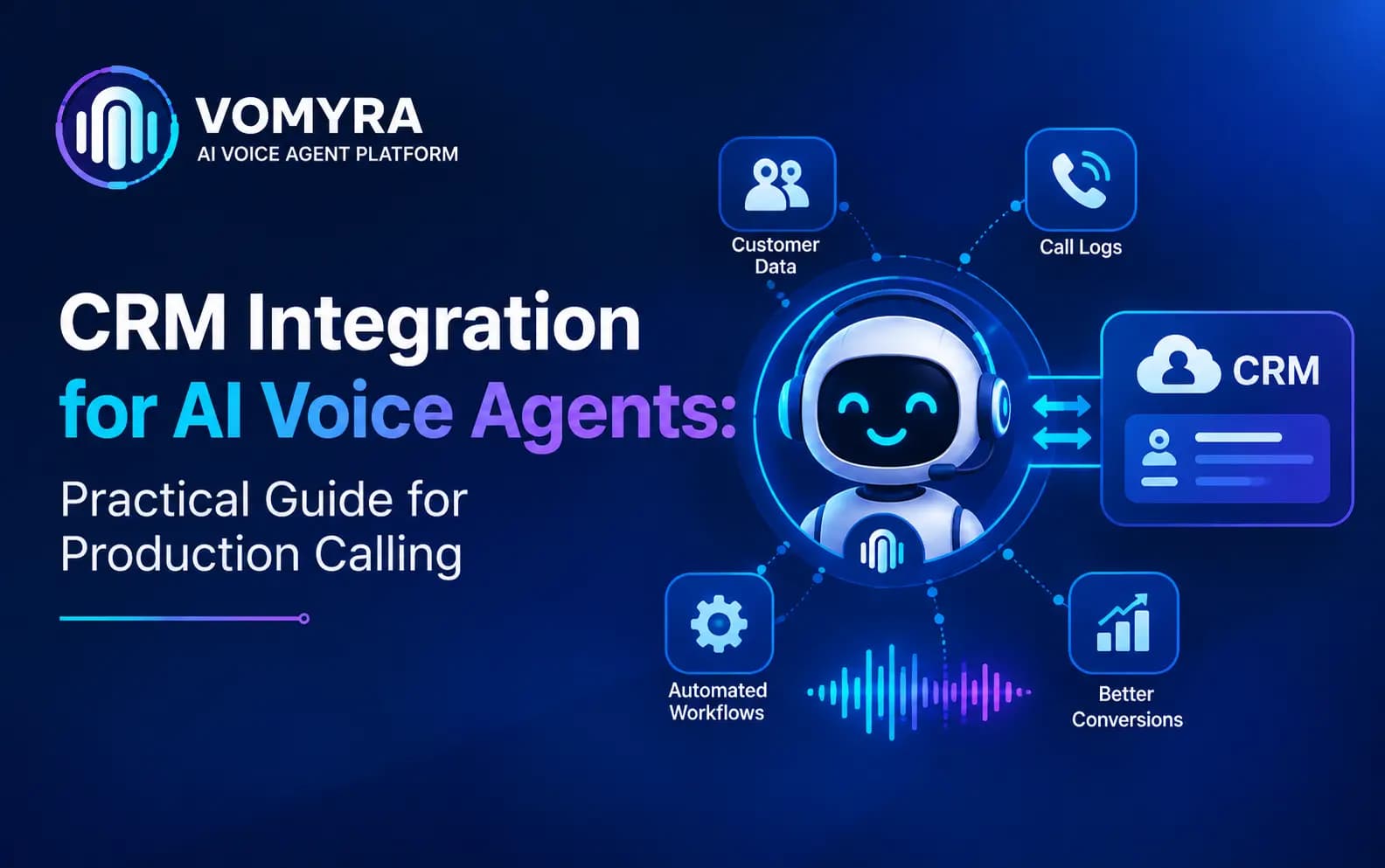
An AI voice agent that can’t see your CRM is working with one hand tied behind its back. It doesn’t know if the person calling is a new lead or a customer who’s been in the pipeline for three months. It can’t reference a previous conversation. And every outcome from the call – a qualification score, a booked meeting, an objection raised – has to be manually re-entered by someone afterward, which defeats much of the point of automating the call in the first place.
CRM integration is what turns an AI voice agent from an isolated calling tool into a connected part of the sales or support system – pulling relevant context before the call, and writing structured outcomes back after it, automatically.
This guide covers what CRM integration for a voice agent actually involves, what data should flow in each direction, common pitfalls, and best practices for getting it right in production.
Why CRM Integration Matters for AI Voice Agents
Without CRM integration, an AI voice agent operates with no memory of who it’s calling or what’s happened before. This creates real, visible problems on calls:
- Repeated questions. A lead who already shared their budget and timeline gets asked again, because the agent has no record of the prior conversation.
- Wrong prioritisation. Without lead scoring or stage data, the agent can’t tell a hot, ready-to-close prospect from a brand-new, unqualified enquiry.
- Lost call outcomes. Qualification results, objections, and next steps discussed on the call disappear unless someone manually logs them afterward.
- Disjointed handoffs. When a call is escalated to a human rep, the rep has no visibility into what was just discussed, forcing the customer to repeat themselves.
CRM integration solves all of this by connecting the voice agent directly to the same system of record your sales and support teams already use.
What Data Should Flow Into the Voice Agent
Before a call starts, or as it begins, the agent typically needs access to:
- Contact and account details – name, company, prior interaction history
- Lead or deal stage – where this person currently sits in the pipeline
- Prior call transcripts or summaries – what’s already been discussed
- Custom fields relevant to the conversation – budget range, product interest, support ticket history
- Scheduling context – existing appointments, follow-up dates already agreed
This context is what allows the agent to open a call naturally – referencing what’s already known – rather than starting cold every single time, even with someone it’s spoken to before.
What Data Should Flow Back Into the CRM
After (and ideally during) a call, the integration should write back:
- Call outcome – qualified, not interested, booked, escalated, no answer
- Qualification data – budget, timeline, intent, and any other scoring criteria gathered
- Full call transcript and recording – for review, compliance, and future context
- Next steps and follow-up scheduling – what was agreed, and when the next touchpoint should happen
- Objections or concerns raised – valuable both for the immediate deal and for broader pattern analysis across calls
This closes the loop automatically – the CRM stays accurate and current without anyone manually transcribing notes after every call.
How CRM Integration Works Technically
Most modern CRM integrations for voice agents work through one of a few common patterns:
Direct API integration The voice agent platform connects directly to the CRM’s API, reading and writing data in real time during and after calls. This is typically the most flexible and reliable approach for production use.
Webhook-based sync The voice agent triggers webhooks at key points – call start, call end, outcome logged – which push data to the CRM or trigger downstream workflows in other connected systems.
Middleware or integration platforms For CRMs without a well-documented direct API, or for businesses using multiple disconnected systems, an integration platform can sit between the voice agent and the CRM, handling data mapping and sync logic.
Regardless of the method, the integration needs to work reliably within the call’s live timing – pulling context fast enough not to delay the start of the conversation, and writing outcomes back promptly enough that the data is accurate for anyone following up immediately after.
Read Also : How to Connect Vomyra to Any CRM Using Webhooks and Zapier (No Code)
Common CRM Integration Pitfalls
Pulling too much data, too slowly Fetching an entire contact history and every custom field when only a few are relevant adds unnecessary latency before the call even starts. Pull only what the conversation actually needs.
No clear field mapping When call outcomes don’t map cleanly to existing CRM fields and pipeline stages, data ends up inconsistent or misclassified, undermining the reporting the integration was meant to enable.
Missing error handling for sync failures If a CRM write fails silently after a call, the outcome is lost with no record it ever happened. Integration design needs explicit handling and alerting for failed syncs, not just the happy path.
Duplicate or conflicting records Without careful matching logic, calls can create duplicate contact records instead of updating existing ones, fragmenting a customer’s history across multiple entries.
Real-time expectations without real-time design Assuming the CRM will reflect a call’s outcome instantly, without confirming the actual sync latency, can create confusion when a rep looks at a record moments after a call and doesn’t yet see the update.
Best Practices for CRM Integration in Voice Agents
Map fields deliberately, not by default Decide explicitly which CRM fields the agent reads from and writes to, matching your existing pipeline stages and terminology rather than forcing a generic mapping.
Keep pre-call context lookups fast and targeted Fetch only the specific fields relevant to the conversation, rather than pulling a full record, to avoid adding latency before the call begins.
Log full transcripts, not just structured outcomes Structured data (qualified/not qualified, score, next step) is useful for reporting, but the full transcript matters for context on follow-up calls and for reviewing quality over time.
Build in sync failure alerts Treat CRM write failures as a monitored event, not a silent gap – someone should know if call outcomes aren’t reaching the CRM as expected.
Test the full loop before scaling Confirm that context flows in correctly, and outcomes flow back accurately, across a range of real scenarios – not just a single clean test case – before rolling out to full call volume.
CRM Integration Across Common Use Cases
Lead qualification – pulling lead source and prior touchpoints before the call, writing back qualification score and next step after.
Appointment booking – checking existing appointments and preferences before offering slots, syncing new bookings directly into the calendar tied to the CRM record.
Customer support – retrieving account and ticket history before the call, updating ticket status and resolution notes after.
Sales follow-up and closing – referencing prior proposal and objection history before each follow-up call, logging new objections and outcomes as the deal progresses.
Each of these depends on integration working reliably in both directions – without it, the agent either lacks the context to have a useful conversation, or the conversation’s value is lost the moment the call ends.

Voice Agents That Actually Talk to Your CRM
An AI voice agent that can’t see your CRM ends up repeating questions, missing context, and losing every call outcome the moment the conversation ends. Getting this integration right – fast, reliable, and mapped to how your team actually works – is what makes automation genuinely useful rather than just another disconnected tool.
Vomyra is India’s Agentic Voice AI Platform, built with CRM and system integrations designed for production reliability, so AI voice agents can pull relevant context before every call and log qualification data, transcripts and next steps back automatically. Businesses can launch complete AI voice agents – Research, Outreach, Qualification, Closing and Follow-Up – that stay in sync with the systems your team already uses, using real Indian mobile numbers and human-like conversations in multiple languages.
If you’re evaluating a voice AI platform that needs to work seamlessly with your existing CRM, it’s worth seeing how Vomyra handles this integration in practice.
FAQs
Does CRM integration slow down the call?
It can, if not designed carefully – pulling large amounts of data or waiting on a slow API can add noticeable delay. Well-designed integrations fetch only what’s needed and are tested for latency before going live.
Can an AI voice agent work with any CRM?
Most modern CRMs offer APIs or integration options that a voice agent platform can connect to, though the depth and reliability of integration varies by CRM and by how the integration is built.
What happens if the CRM is temporarily unavailable during a call?
This should trigger a defined fallback – the agent continuing the conversation using whatever context it has, and queuing the outcome data to sync once the CRM is available again, rather than the call failing entirely.
Should every call detail be written back to the CRM?
Generally yes for structured outcomes and transcripts, since this data supports both immediate follow-up and longer-term reporting – but field mapping should be deliberate, not a blanket dump of unstructured data into the record.