If you have started building AI tools recently, you have probably seen MCP Client and MCP Server used as if they meant the same thing. They do not. Knowing what each one does inside the Model Context Protocol makes the whole design easier to understand and debug.
In this guide, we explain each role, how the two communicate, and where they fit in a real product. At Vomyra, we build AI voice agents that connect to calendars and CRMs, so these details shape our daily work.
What Is a Model Context Protocol?
Model Context Protocol is a shared standard that lets AI applications connect to outside tools and data. Before this standard, every AI app needed custom code for every database, API or file system it wanted to use. That approach was slow, expensive to maintain and easy to break.
With a common protocol, a tool built once can work with any compliant application. The standard defines how a connection starts, how capabilities are listed and how messages are formatted. Developers spend less time writing glue code and more time building features that matter to users.
Understanding the Three Parts of MCP Architecture
Most confusion starts when people skip the first part of the design. MCP Architecture has three roles:
- Host: The AI application users work with, such as a desktop assistant, a code editor or an internal chatbot. The host holds the language model and decides when to use outside tools.
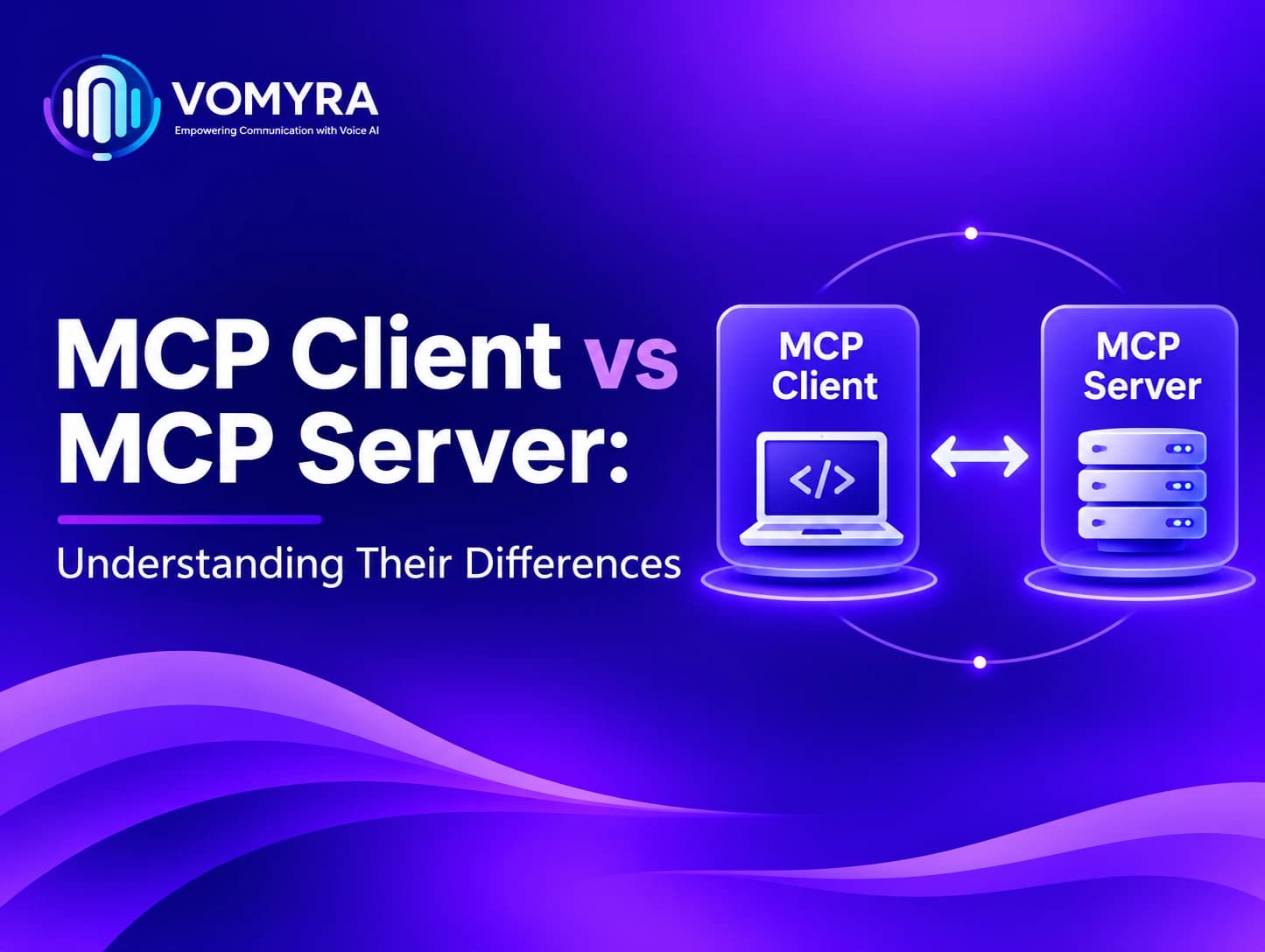
- MCP Client: A connector inside the host. The host creates one client per server, and each client keeps its own dedicated, one-to-one connection.
- MCP Server: A separate program that exposes tools, data or prompt templates and performs the actual work.
Think of the host as an office, the client as a courier the office sends out, and the server as the place the courier visits to get something done. The courier does not do the job itself. It carries the request and brings back the answer.
Key Differences at a Glance
Here is a quick look at MCP Client vs MCP Server before we go deeper:
| Aspect | MCP Client | MCP Server |
| Location | Inside the host application | Separate process or remote service |
| Main job | Opens connections, negotiates features, sends requests | Lists capabilities and runs requested work |
| Starts the conversation | Yes | No, it waits for requests |
| Examples | Built-in connector in an AI desktop app or IDE | A server that reads files or queries a database |
| Model access | Controlled by the host | No direct access to the model |
Put simply, the client asks and the server answers.
Read More : MCP Client for AI Voice Agents: Practical Guide for Production Calling
Tools, Resources and Prompts
An MCP Server offers its features through three primitives. Knowing what each one does helps you decide what belongs on the server side.
Tools
Tools are actions the model can call, such as sending a message, creating a calendar event or running a search. The model chooses a tool based on the name and description the server provides. Because tools can change data, they should be described clearly so the host can ask the user for confirmation when needed.
Resources
Resources are read-only data the host can pull into context, such as a document, a file or a database schema. They give the model information to reason with, without changing anything in the source system.
Prompts
Prompts are reusable templates that guide how a task should be done. A server might provide a prompt that explains how to write safe queries for a specific database schema. The host can offer that prompt to the user or the model whenever the task comes up.
How MCP Works in Practice
Here is the sequence when a user asks an assistant to check tomorrow’s appointments:
- The host starts and creates a client for each configured server.
- Each client sends an initialize request, stating the protocol version and features it supports.
- The server replies with its own capabilities, including its available tools.
- The client asks the server to list those tools and resources.
- When the model needs a tool, the host passes the request through the client.
- The server runs the action and returns the result.
- The host adds the result to the model’s context and produces the final answer.
The server never talks to the model directly. The host and client manage that part, which keeps permissions and user consent under the host’s control. This is one of the main reasons the design feels safe to teams that handle sensitive data.
MCP Client and Server Communication
Messages in MCP follow JSON-RPC 2.0, a lightweight format for requests and responses. The same messages can travel over different transports. Local servers often use standard input and output, while remote servers commonly use HTTP with streaming.
Because the message format stays the same, a client does not need changes when the transport changes. This keeps MCP Client and Server Communication predictable, whether the server runs on the same laptop or in the cloud.
Why the Split Matters
Keeping the client and server separate has practical benefits:
- Reuse: One server can serve many hosts, so you do not rebuild the same integration for each app.
- Testing: Server logic can be tested on its own, without the AI model in the loop.
- Security: Sensitive credentials can stay on the server, and the host only sees what the server chooses to expose.
- Flexibility: A server can be replaced or upgraded without changing the host.
These advantages add up quickly in a product with many integrations, which is why the architecture is worth understanding early.
A Practical Example
Imagine a voice agent that books test drives for a car showroom. The agent runs inside a host application. Its MCP Client connects to two servers: one that reads the showroom calendar and another that updates customer records.
When a caller asks for a Saturday slot, the client calls the calendar server’s availability tool. The server returns open times, and the host passes them to the voice model, which offers them to the caller. The calendar server never speaks to the caller, and the voice model never touches the calendar directly. This is the kind of MCP Integration we use at Vomyra for voice agents.
If the showroom later switches to a new scheduling system, only the calendar server changes. The rest of the product stays the same.

Common Mistakes to Avoid
At Vomyra, we see the same few mistakes come up again and again when teams start building:
- Treating the model as the client. The language model is not an MCP Client. The client is a protocol component inside the host.
- Putting business logic in the client. Actions that touch external systems belong on the server, where they can be tested and secured separately.
- Exposing too much. A server should offer only what the host needs. Unused tools add confusion and increase risk.
- Ignoring transport choice. Local setups are simpler to start with, but shared remote tools need a network transport and proper authentication.
Conclusion
The difference between an MCP Client and an MCP Server comes down to roles. The client sits inside the host, manages the connection and sends requests. The server sits outside, exposes capabilities and does the work.
Once you keep these roles separate in your mind, the rest of the design becomes much clearer. Understanding the difference between MCP Client vs MCP Server is the first step toward a clean, scalable MCP Integration, and it is a principle the team at Vomyra relies on every time we connect a voice agent to a new system.
FAQs
What is the main difference between an MCP Client and an MCP Server?
The MCP Client is the connector inside the host application that starts and manages the connection. The MCP Server is the separate program that exposes tools, resources and prompts and performs the requested tasks.
Can one application act as both an MCP Client and an MCP Server?
Yes. A program can connect to other servers as a client while also exposing its own capabilities as a server. The role depends on which side of a given connection the program is on.
Does the MCP Client control the language model?
No. The host application controls the model. The client only carries requests and responses between the host and the server.
Do I need to build my own MCP Server to use the Model Context Protocol?
Not always. Many ready-made servers exist for common systems such as file storage and databases. You only need to build your own when your product depends on a custom system or workflow.
Why does MCP use JSON-RPC for communication?
JSON-RPC is a simple, well-understood format for requests and responses. It keeps messages consistent across different transports and programming languages, which makes MCP Client and Server Communication easier to build and maintain.