Businesses are increasingly using AI voice agents to handle customer calls, qualify leads, answer enquiries and manage follow-ups. However, traditional automated calling systems often struggle to maintain natural conversations because they depend on fixed scripts and separate speech processing steps.
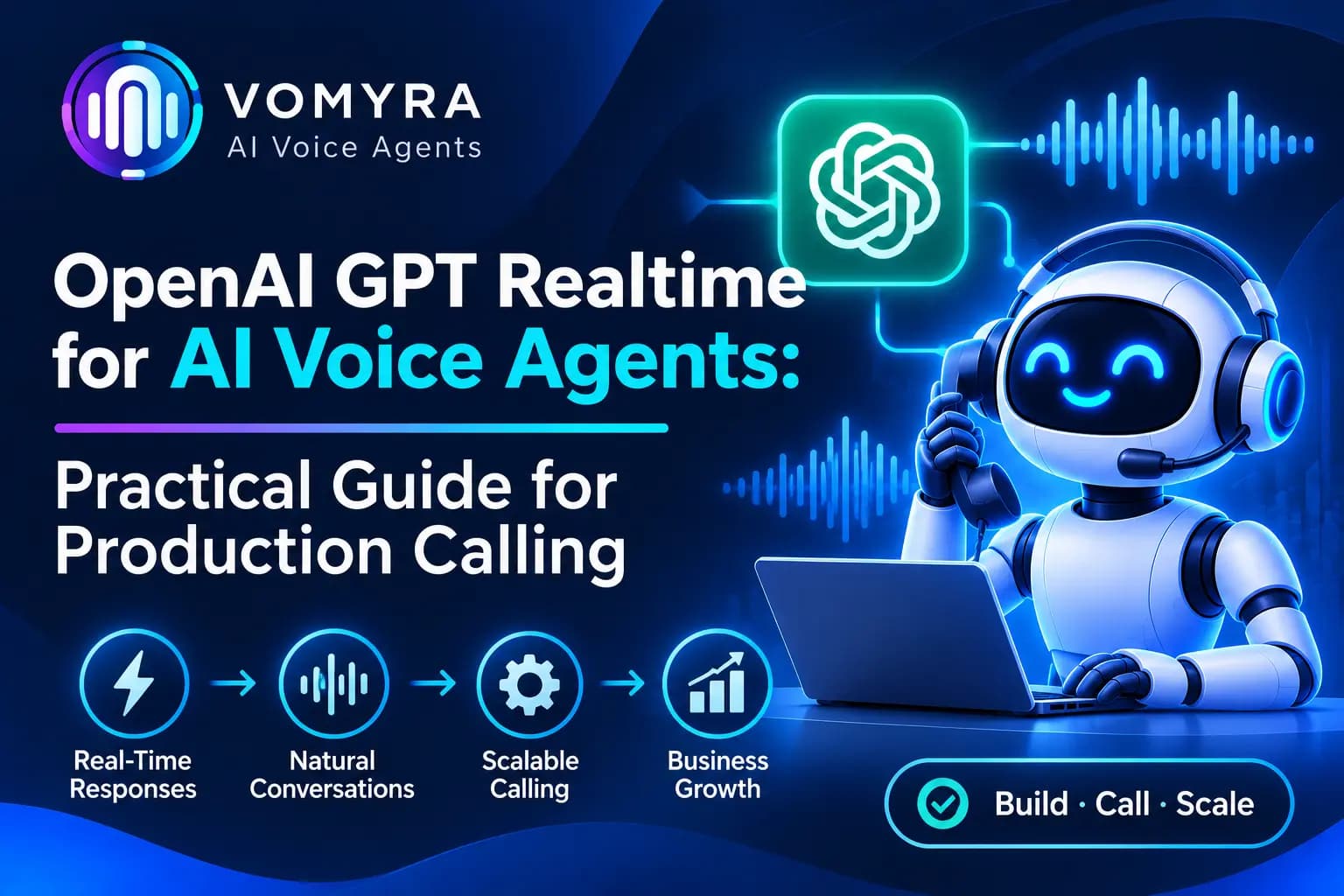
OpenAI GPT Realtime helps developers build voice agents that can listen to spoken input and generate spoken responses in real time. It supports conversational interactions, natural turn-taking and tool calling, making it useful for customer support, sales and business communication.
This guide explains how OpenAI GPT Realtime works, how to connect it with phone calling systems and what businesses should consider before using it in production.
What Is OpenAI GPT Realtime?
OpenAI GPT Realtime is a speech-to-speech technology that allows applications to communicate with users through real-time audio conversations. Instead of converting every spoken message into text, processing it and then generating speech separately, a Realtime model can work directly with audio.
The current Realtime model documentation includes gpt-realtime-2.1, which supports real-time conversational sessions and tool interactions.
For AI voice agents, this means the system can:
- Understand spoken customer questions.
- Generate natural voice responses.
- Handle interruptions and conversational turn-taking.
- Maintain context during a conversation.
- Call connected tools to perform business tasks.
- Support real-time customer interactions.
It is important to understand that the Realtime model is not a complete phone calling service. Businesses need a suitable telephony connection, such as SIP trunking, to connect real phone numbers and route call audio.
How OpenAI GPT Realtime Works with AI Voice Agents
A production voice agent usually combines the Realtime model, telephony infrastructure and a backend application.
1. Customer Call Connection
A customer calls a business phone number, or the business initiates an outbound call through a connected telephony provider.
2. Audio Streaming
The telephony system connects the call to the Realtime session. Audio is exchanged between the caller and the AI model so the agent can listen and respond.
3. Real-Time Conversation
The model processes the caller’s speech and generates an appropriate spoken response. It can maintain conversation context and respond to follow-up questions.
4. Backend Tool Execution
When a conversation requires an action, the model can request a configured function or tool. The backend application executes the action, such as checking appointment availability or retrieving customer information.
5. Call Completion and Data Updates
After the call, the application can save the conversation summary, update CRM records and trigger the next workflow.
Read Also: AI Voice Agent for Webinar Leads: Workflow, Benefits and What to Automate
How to Connect OpenAI GPT Realtime with a Phone System
Businesses can use different connection methods depending on their application and calling requirements.
SIP Integration for Phone Calls
Session Initiation Protocol (SIP) is used to establish internet-based phone calls. A SIP trunking provider connects business phone numbers with the OpenAI voice system.
The general setup involves:
- Purchase or configure a phone number through a supported SIP provider.
- Configure the SIP trunk to route calls to the appropriate OpenAI endpoint.
- Set up a secure webhook to receive incoming-call events.
- Accept or reject calls through the backend.
- Configure the Realtime session with instructions, voice and tools.
- Monitor the call and manage transfers or hang-ups.
WebSocket Integration
WebSockets allow a backend application to exchange audio and event data with a Realtime session. This approach is useful when developers need direct control over server-side audio streaming and conversation events.
WebRTC Integration
WebRTC is commonly used for browser and mobile voice applications. It allows applications to exchange audio through media tracks while using a data channel for session events and controls.
For traditional phone calling, SIP is generally the more relevant connection method.
Practical Use Cases of GPT Realtime for AI Voice Agents
1. Automated Customer Support
AI voice agents can answer common questions about products, services, pricing and business hours. They can also retrieve information from connected systems when configured with suitable tools.
2. B2B and Sales Lead Qualification
When a new prospect submits an enquiry, an AI voice agent can initiate a call, understand business requirements and collect details such as budget, location and purchase timeline.
Qualified prospects can then be assigned to sales representatives.
3. Appointment Scheduling
The agent can check available time slots through a connected calendar or scheduling API and help customers arrange appointments.
4. Order and Booking Enquiries
Businesses can connect the voice agent with order management or booking systems. Customers can ask about order status, booking details or service availability.
5. CRM Updates and Follow-Ups
With suitable backend integrations, the agent can save customer responses, update lead status and trigger follow-up workflows after a conversation.
How to Build a Production-Ready GPT Realtime Voice Agent
Step 1: Set Up OpenAI API Access
Create an OpenAI API project and configure access to the required Realtime model. Keep API credentials on a secure backend rather than exposing them in public client-side code.
Step 2: Configure the Voice Agent
Define the agent’s role, business information, conversation style and response instructions. Keep prompts clear and include rules for handling unclear questions or requests outside the agent’s scope.
Step 3: Connect Telephony Infrastructure
Choose a suitable SIP provider or calling platform. Configure phone numbers, call routing and the required audio connection.
Step 4: Add Business Tools
Connect backend functions for CRM access, appointment scheduling, customer lookup or other business operations. Validate requests and responses before executing important actions.
Step 5: Configure Call Management
Set up incoming and outgoing call handling, call transfers, error responses and disconnection rules. Make sure customers can reach a human representative when required.
Step 6: Test the Complete Workflow
Test the system with different accents, background noise, interruptions, unclear responses and failed integrations. Also check call quality, response delays and CRM data accuracy.
Best Practices for Production Calling
Write clear voice instructions: Keep the agent’s role and responsibilities specific. Avoid lengthy prompts that make conversations confusing.
Protect API credentials: Store keys and telephony credentials securely on the server. Use access controls and verify incoming webhook requests.
Handle interruptions properly: Test whether the agent can stop speaking and respond when a customer starts talking.
Build reliable tool integrations: Validate inputs, handle API errors and prevent duplicate actions such as repeated bookings or CRM updates.
Provide human handover: Transfer complex enquiries or sensitive customer situations to trained representatives.
Monitor performance: Track call completion, response latency, failed calls, tool errors, customer satisfaction and successful outcomes.
Manage session limits: Check the current model’s session duration and connection limits. Design reconnection or session-continuation logic where longer calls are required.
Follow calling and privacy requirements: Respect consent, customer calling preferences, data protection rules and applicable telemarketing regulations.
How Vomyra Supports AI Voice Agent Workflows

Vomyra provides an AI voice agent platform for businesses looking to automate customer conversations and calling activities. By connecting voice automation with business applications, companies can build workflows for lead qualification, customer support, appointment scheduling and follow-ups.
An OpenAI Realtime-based architecture can be considered when a business requires real-time speech interactions. The actual implementation depends on model availability, telephony connectivity, backend requirements and supported integrations.
Conclusion
OpenAI GPT Realtime provides a foundation for building AI voice agents that can understand spoken input and respond naturally during live conversations. When connected with SIP telephony, backend tools and CRM systems, it can support practical production calling workflows.
However, successful deployment requires more than connecting a model to a phone number. Businesses must plan for call routing, security, session management, tool reliability, human handover and performance monitoring.
A well-designed voice workflow can reduce repetitive calling tasks while helping teams deliver more responsive customer communication.
Frequently Asked Questions
1. What is OpenAI GPT Realtime used for?
It is used to build real-time speech-to-speech applications, including AI voice agents for customer support, sales conversations and automated calling workflows.
2. Can OpenAI GPT Realtime make phone calls?
Yes, when connected through supported telephony infrastructure such as SIP. The model handles the conversation, while the phone system manages call connectivity.
3. Can GPT Realtime integrate with CRM software?
Yes. Developers can connect backend functions and APIs to retrieve customer information, save call summaries and update CRM records.
4. Does GPT Realtime support interruptions?
Realtime voice sessions support conversational turn-taking and interruption handling. Developers should configure and test these behaviours for their specific calling workflow.
5. Is OpenAI GPT Realtime suitable for production calling?
It can be used in production architectures, provided the implementation includes secure authentication, reliable telephony, error handling, monitoring, session management and human handover options.