AI voice agents can answer customer questions, qualify leads, schedule appointments and manage follow-ups. But to handle real phone conversations, they need a reliable connection to the telephone network.
This is where Telnyx comes in. It provides programmable voice services and SIP trunking that allow businesses to connect phone numbers with AI-powered voice applications.
By integrating Telnyx with an AI voice agent platform, businesses can automate inbound and outbound calls while maintaining control over their telephony setup. This guide explains how Telnyx SIP integration works, how to connect it with Vomyra, and where businesses can use voice automation.
What Is Telnyx Integration for AI Voice Agents?
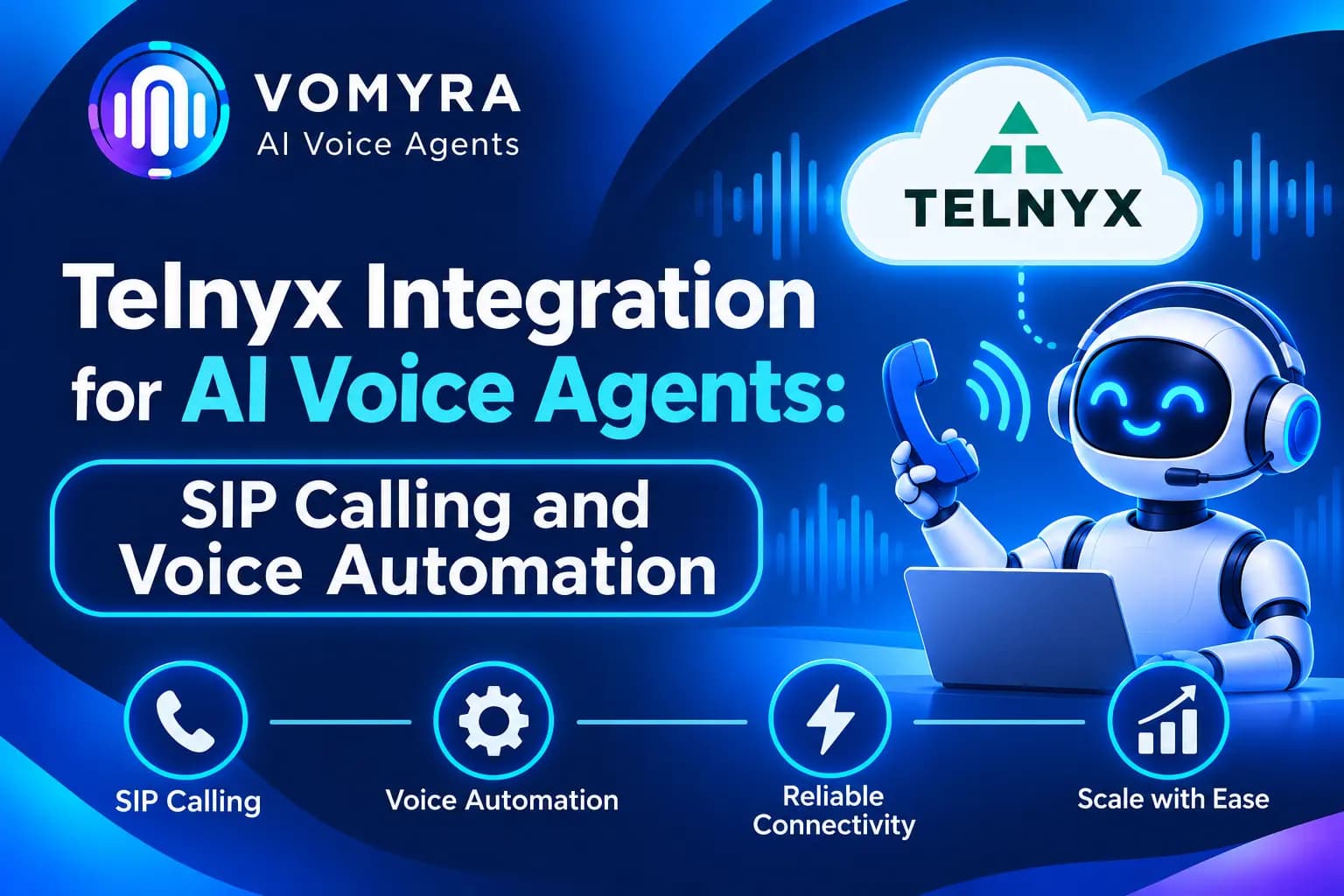
Telnyx integration connects a business phone number and telephony infrastructure to an AI voice agent through SIP trunking.
Telnyx manages call connectivity, routing and voice transport, while the AI platform manages the conversation. When a customer calls, the call travels through the configured SIP connection to the voice agent. The agent processes the request and sends its spoken response back through the same call.
This setup supports both inbound and outbound calling. Businesses can use existing Telnyx numbers, connect their phone infrastructure and automate conversations without building a complete telephony system from scratch.
How Does Telnyx SIP Calling Work with AI Voice Agents?
A typical Telnyx and AI voice agent workflow includes these steps:
- Incoming or outgoing call: A customer calls a business number, or the AI platform initiates an outbound call.
- SIP connection: Telnyx routes the call through the configured SIP trunk.
- AI agent connection: The call reaches the voice AI platform and is assigned to the relevant agent.
- Conversation processing: The AI agent listens to the caller, understands the request and prepares a response.
- Voice response: The agent’s generated speech is delivered to the caller over the active call.
- Business action: If connected tools are available, the agent can retrieve customer information, schedule appointments or update CRM records.
SIP handles call signalling and media connectivity. The AI platform handles the conversational logic, so both components need to work together for a smooth experience.
How to Connect Telnyx with Vomyra AI Voice Agents
Vomyra provides a documented Telnyx SIP integration that supports inbound and outbound calling. Businesses can bring their own Telnyx carrier connection and link phone numbers to their AI agents.
Here is a simplified setup process.
Step 1: Create a Telnyx SIP Trunk
Log in to the Telnyx Mission Control Portal and navigate to Voice → SIP Trunking. Create a new trunk and configure its inbound connection.
For the documented Vomyra setup, the inbound configuration uses:
- IP Address: 98.70.52.39
- Port: 5060
- Transport: UDP
- Codecs: G.711 (PCMU/PCMA)
- SRTP: Disabled, as specified in Vomyra’s current setup guide
Assign your Telnyx phone number to the SIP trunk so incoming calls can reach the configured voice AI platform.
Step 2: Configure Outbound Calling
To make outbound calls, create an Outbound Voice Profile in Telnyx. Select the required calling destinations and assign the SIP connection to the profile.
Set up the outbound authentication credentials that will be used when Vomyra sends calls through your Telnyx trunk.
Step 3: Register the Trunk in Vomyra
Open the Vomyra dashboard and navigate to the SIP Trunks section. Select Telnyx as your provider and enter the required gateway and outbound credentials.
The Telnyx gateway used in the documented setup is sip.telnyx.com.
Save the trunk and verify that the connection is active.
Step 4: Assign a Phone Number to an AI Agent
Add your Telnyx phone number to the registered trunk using the required international format, such as +919876543210.
Open Phone Numbers → Active Numbers in Vomyra and assign the number to the AI agent responsible for handling incoming calls.
You can use different numbers for different workflows, such as customer support, sales enquiries and appointment scheduling.
Step 5: Test Inbound and Outbound Calls
Before launching the setup, make a test call from a regular phone to confirm that the AI agent answers correctly. Then trigger an outbound test call from the dashboard.
Check call connectivity, two-way audio, response timing and call routing. If a call connects without audio, review codec, RTP and security settings against the provider documentation.
Use Cases of Telnyx Integration for AI Voice Agents
1. Sales and Lead Qualification
Sales teams can use AI voice agents to contact new enquiries, ask about customer requirements and identify qualified prospects. The agent can collect details such as budget, location and service preferences before passing the lead to a sales executive.
2. Customer Support Automation
Businesses can automate common customer support calls, including product questions, order enquiries and service requests. More complicated conversations can be transferred to human representatives.
3. Appointment Scheduling
Clinics, consultants, service providers and educational institutions can use voice agents to confirm appointments, check availability and manage rescheduling requests through connected calendar systems.
4. E-commerce Order Follow-Ups
Online businesses can automate order confirmation, delivery-related calls and customer feedback collection. When connected to an authorised order management system, the agent can provide relevant updates during the conversation.
5. Multilingual Customer Communication
Businesses serving customers across different regions can configure voice agents for relevant languages. This is particularly useful for Indian companies communicating with customers in Hindi, English and regional languages.
Benefits of Using Telnyx with AI Voice Agents

Flexible SIP connectivity: Businesses can connect their preferred Telnyx numbers and telephony infrastructure to an AI voice platform.
Inbound and outbound automation: The same setup can support customer enquiries, lead follow-ups, reminders and other calling workflows.
Real-time conversations: A properly configured voice stack can support natural back-and-forth conversations rather than relying only on recorded messages.
Call scalability: Businesses can plan for higher call volumes by configuring suitable trunk capacity and routing.
Business system integration: Connected CRM, calendar and backend tools allow agents to retrieve information and perform approved actions during calls.
What Should Businesses Check Before Deployment?
A working SIP connection does not automatically guarantee a good customer experience. Before deploying AI voice agents, businesses should check:
- Call quality: Test audio clarity and stability across different networks.
- Latency: Measure the delay between a customer speaking and the agent responding.
- Concurrent calls: Confirm that the telephony plan supports expected call volumes.
- Call routing: Test inbound numbers, outbound caller ID and human transfers.
- Security: Protect SIP credentials and restrict access to customer information.
- Compliance: Follow applicable telecom, consent and data-protection requirements for the countries being called.
How Vomyra Supports Telnyx-Based Voice Automation
Vomyra provides an AI voice agent platform with SIP trunking support, allowing businesses to bring their own Telnyx connection and link it with their voice agents.
Its documented Telnyx integration supports inbound and outbound calling through SIP. Businesses can select voice models, configure agents and connect tools such as CRMs, calendars and REST APIs to support different workflows.
For example, a company can use a Telnyx number for incoming customer enquiries while an AI voice agent handles routine questions and routes complex requests to a human representative. A sales team can also use outbound calling to qualify leads and record customer responses.
Vomyra also supports speech-to-speech models such as GPT Realtime and AWS Nova 2 Sonic, giving businesses options for building conversational voice experiences.
Conclusion
Telnyx integration for AI voice agents connects programmable telephony with conversational AI. Through SIP trunking, businesses can route inbound and outbound calls to voice agents and automate tasks such as lead qualification, customer support, appointment reminders and follow-ups.
The quality of the final experience depends on proper SIP configuration, reliable audio, suitable AI models and well-defined business workflows. With a compatible platform such as Vomyra, businesses can connect Telnyx and manage AI-powered calling without building every component independently.
Frequently Asked Questions
1. Can Telnyx connect with AI voice agents?
Yes. Telnyx supports SIP trunking and programmable voice services that can connect phone calls to compatible AI voice applications.
2. What is SIP trunking in AI voice automation?
SIP trunking connects an AI voice platform to the telephone network. It enables the platform to receive and make phone calls through a configured telephony provider.
3. Does Telnyx support inbound and outbound AI calls?
Yes. With a suitable SIP connection and voice application, businesses can configure both incoming customer calls and outbound calling workflows.
4. Can I use my existing Telnyx number with Vomyra?
Yes. Vomyra’s documented Telnyx integration supports bringing your own Telnyx SIP trunk and assigning its phone numbers to AI agents.
5. Which businesses can use Telnyx with AI voice agents?
Real estate companies, e-commerce brands, healthcare providers, financial service companies, educational institutions and customer support teams can use this setup for suitable calling workflows.