AI voice agents are becoming useful for businesses that want to manage customer conversations without relying entirely on manual calling teams. They can answer enquiries, qualify leads, schedule appointments and handle routine follow-ups.
But to make these conversations useful, a voice agent needs more than speech recognition. It also needs to understand context, provide relevant answers and connect with business systems.
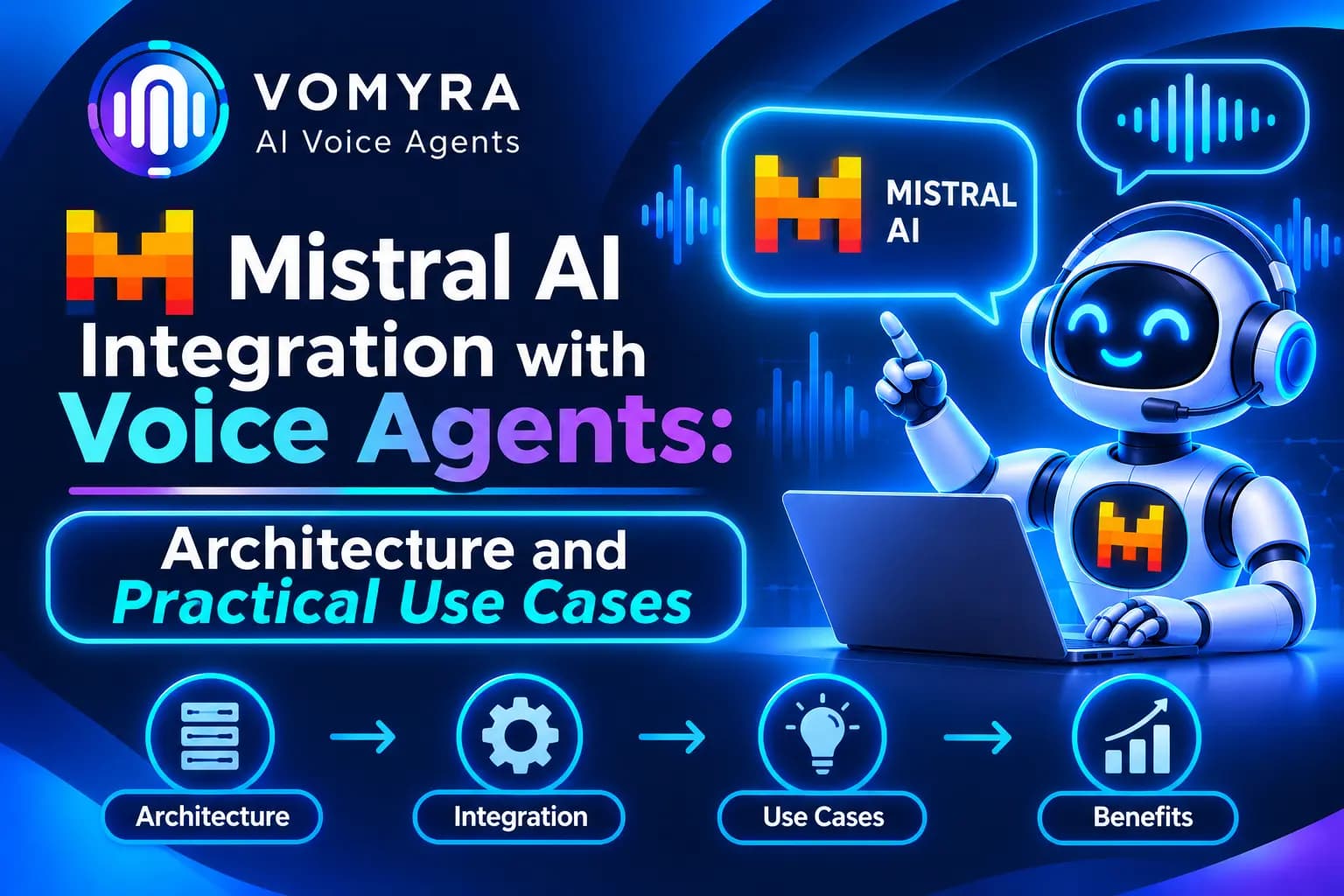
Mistral AI offers models and audio capabilities that developers can use to build these voice applications. Its language models can power the reasoning behind an agent, while its Voxtral audio models support speech-related tasks. When these components are connected with telephony and business tools, they can support practical voice automation.
This guide explains how Mistral AI works with voice agents, the architecture behind the integration and where businesses can use it.
What Is Mistral AI Integration with Voice Agents?
Mistral AI integration with voice agents means using Mistral’s language or audio models as part of a conversational voice system.
The language model acts as the reasoning layer. It understands what the caller wants, uses the available conversation context and prepares an appropriate response. Speech services handle the conversion between audio and text, while a text-to-speech engine generates the agent’s spoken reply.
A typical voice agent may include:
- Speech-to-text (STT): Converts the caller’s speech into text.
- Mistral language model: Understands the request and generates a response.
- Text-to-speech (TTS): Converts the response into spoken audio.
- Telephony: Connects the agent to phone calls or SIP infrastructure.
- Business integrations: Allow the agent to access CRM records, calendars and other systems.
Mistral also provides a Voice Agents SDK that combines transcription, model responses and speech generation into a voice conversation pipeline. Developers can use this approach or build their own pipeline when they need more control.
Architecture of a Mistral-Powered Voice Agent
A production voice agent usually works through several connected layers.
1. Audio input: The caller speaks through a phone, browser or mobile application. The application captures the audio and sends it to the voice system.
2. Speech recognition: An audio model such as Voxtral Mini Transcribe Realtime converts live speech into text. Mistral supports real-time transcription over WebSocket connections.
3. Language processing: The transcribed message is passed to a Mistral language model. The model considers the agent’s instructions, conversation history and available business information before preparing a response.
4. Tool execution: If the caller requests an action, the model can generate a function call. The application executes the function, retrieves the result and returns it to the model.
5. Speech generation: A text-to-speech service converts the response into audio. Mistral provides speech generation capabilities, including real-time text-to-speech.
6. Audio delivery: The generated audio is played to the caller through the application or telephony connection.
This architecture allows businesses to create voice agents that do more than answer common questions. They can also retrieve information and complete approved tasks during a conversation.
How to Integrate Mistral AI with a Voice Agent
The implementation depends on whether you use Mistral’s Voice Agents SDK or connect individual services yourself.
Step 1: Create a Mistral API Key
Create an account in Mistral AI Studio and generate an API key. Store the key securely as an environment variable rather than placing it in public frontend code.
For example:
export MISTRAL_API_KEY=”your-api-key”
Step 2: Choose the Voice Architecture
There are two common options.
- Voice Agents SDK: Use Mistral’s SDK to manage the transcription, language model, speech generation and conversation pipeline.
- Custom architecture: Connect real-time transcription, a Mistral chat model and a speech generation service separately.
The SDK is useful when you want a managed voice pipeline. A custom architecture provides more control over audio processing, telephony and individual model choices.
Step 3: Configure the Language Model
Select a suitable Mistral model for the agent’s responsibilities. Define its role, communication style, knowledge boundaries and permitted actions.
For example, a sales agent may need to ask about customer requirements, collect contact details and schedule a meeting. A support agent may need to answer questions using approved product information.
Keep instructions specific so the agent does not make unsupported promises or provide information outside its scope.
Step 4: Add Speech Recognition and Voice Output
Connect an appropriate STT service to understand incoming speech and a TTS service to generate spoken responses.
Mistral’s Voxtral models support audio transcription, including real-time transcription. Its speech-generation capabilities can also be used for voice output.
Test the complete audio pipeline with real conversations. Background noise, regional accents, speaking speed and audio quality can affect the results.
Step 5: Connect Business Tools
Configure functions or APIs that allow the agent to access business information.
For example, a voice agent can check a CRM record, retrieve an order status, look up available appointment slots or create a support ticket. The application must execute and validate these actions rather than allowing the language model to make changes independently.
Step 6: Connect Telephony and Test Calls
For phone-based applications, connect the voice pipeline to a compatible telephony or SIP provider. Ensure that the audio formats, sample rates and streaming methods are compatible.
Test interruptions, response delays, failed API requests and human handovers before deploying the agent to customers.
Practical Use Cases of Mistral AI Voice Agents
1. Customer Support Automation
Businesses can use Mistral-powered voice agents to answer common questions about services, orders, bookings and company policies. When an issue requires human attention, the agent can collect relevant details and route the call to a support executive.
2. Sales Lead Qualification
A voice agent can contact new enquiries, ask about customer requirements and identify interested prospects. It can record responses and pass qualified leads to the sales team.
This is useful for real estate, education, automotive and other businesses that receive regular enquiries.
3. Appointment Scheduling
Clinics, service providers and consulting businesses can use voice agents to confirm appointments, collect booking details and handle rescheduling requests through connected calendar systems.
4. Payment and Collection Reminders
Financial service providers can automate suitable reminder calls. An agent can inform customers about upcoming payments, record responses and create follow-up requests. Sensitive financial information should remain protected through identity verification and access controls.
5. Multilingual Customer Conversations
Indian businesses often communicate with customers who prefer different languages. Mistral’s multilingual capabilities, combined with a suitable speech recognition and voice provider, can support multilingual voice workflows.
However, language performance should be tested with real Hindi, Hinglish and regional-language conversations before production use.
Benefits of Using Mistral AI in Voice Agents

Cost-conscious model selection: Mistral offers different model options, allowing businesses to select a model based on task complexity, performance and inference cost.
Flexible architecture: Developers can use the Voice Agents SDK or connect individual speech and language services based on their requirements.
Open-weight options: Selected Mistral models can be self-hosted, giving organisations more control over deployment and data infrastructure. Actual hosting requirements depend on the model size and available hardware.
Business automation: Function calling and backend integrations allow agents to retrieve information and perform approved tasks during conversations.
Multilingual capabilities: Mistral’s language and audio offerings can support applications serving customers across different languages, subject to model and voice-provider compatibility.
How Vomyra Helps Deploy Mistral-Powered Voice Agents
Building a voice agent from scratch involves connecting speech recognition, language models, voice generation, telephony and business applications. Managing each layer separately can increase development and maintenance work.
Vomyra provides a voice AI platform that brings these components together. Its Mistral integration allows businesses to select Mistral as the reasoning model behind a voice agent, while choosing a compatible voice independently.
According to Vomyra’s Mistral integration information, businesses can use managed access, bring their own Mistral API key or explore self-hosted deployment options on eligible enterprise plans. This gives teams flexibility based on their infrastructure and data requirements.
Vomyra also supports business workflows through REST APIs, MCP, webhooks and CRM integrations. A voice agent can use connected tools to qualify leads, update records, schedule appointments and manage follow-ups during calls.
For companies handling high call volumes, this approach can help combine model selection, voice configuration and business automation within one platform.
Read Also: Openai Gpt Realtime for AI Voice Agents: Practical Guide for Production Calling
Conclusion
Mistral AI can be an effective part of a voice agent architecture, particularly when businesses need flexible language models, audio processing and control over deployment options. Its Voice Agents SDK offers a way to build complete conversational pipelines, while individual APIs allow developers to customise each stage.
The right architecture depends on the use case, required languages, call volume, response time and data requirements. Before deployment, businesses should test speech quality, model responses, tool execution and telephony performance with real conversations.
Platforms such as Vomyra can simplify the process by bringing Mistral models together with voice services, telephony and business integrations.
Frequently Asked Questions
1. Can Mistral AI be used to build voice agents?
Yes. Mistral provides a Voice Agents SDK that combines speech transcription, language model responses and speech generation into a conversational pipeline. Developers can also build a custom voice architecture using individual APIs.
2. Which Mistral models are used for voice agents?
The model choice depends on the task. Mistral language models can handle conversation reasoning, while Voxtral models support audio tasks such as transcription and speech generation.
3. Does Mistral support real-time speech processing?
Yes. Mistral provides real-time speech transcription through WebSocket connections and real-time text-to-speech capabilities. Its Voice Agents SDK combines the main stages needed for live voice conversations.
4. Can Mistral voice agents connect with CRM systems?
Yes. Developers can use function calling and backend APIs to connect voice agents with CRM platforms, calendars, order systems and other business applications.
5. Can Mistral models be self-hosted?
Selected Mistral models are available as open-weight models and can be deployed on infrastructure controlled by an organisation. Hosting requirements depend on the model and available computing resources.
6. Can Vomyra use Mistral as a voice agent model?
Yes. Vomyra lists Mistral as an available reasoning model for voice agents. It can be paired with a compatible voice provider and telephony setup to support business calling workflows.