Businesses are increasingly using AI voice agents to manage customer calls, qualify leads, answer enquiries and automate follow-ups. However, a production voice agent needs more than a language model. It must listen accurately, respond naturally, handle interruptions and connect with business systems during a live conversation.
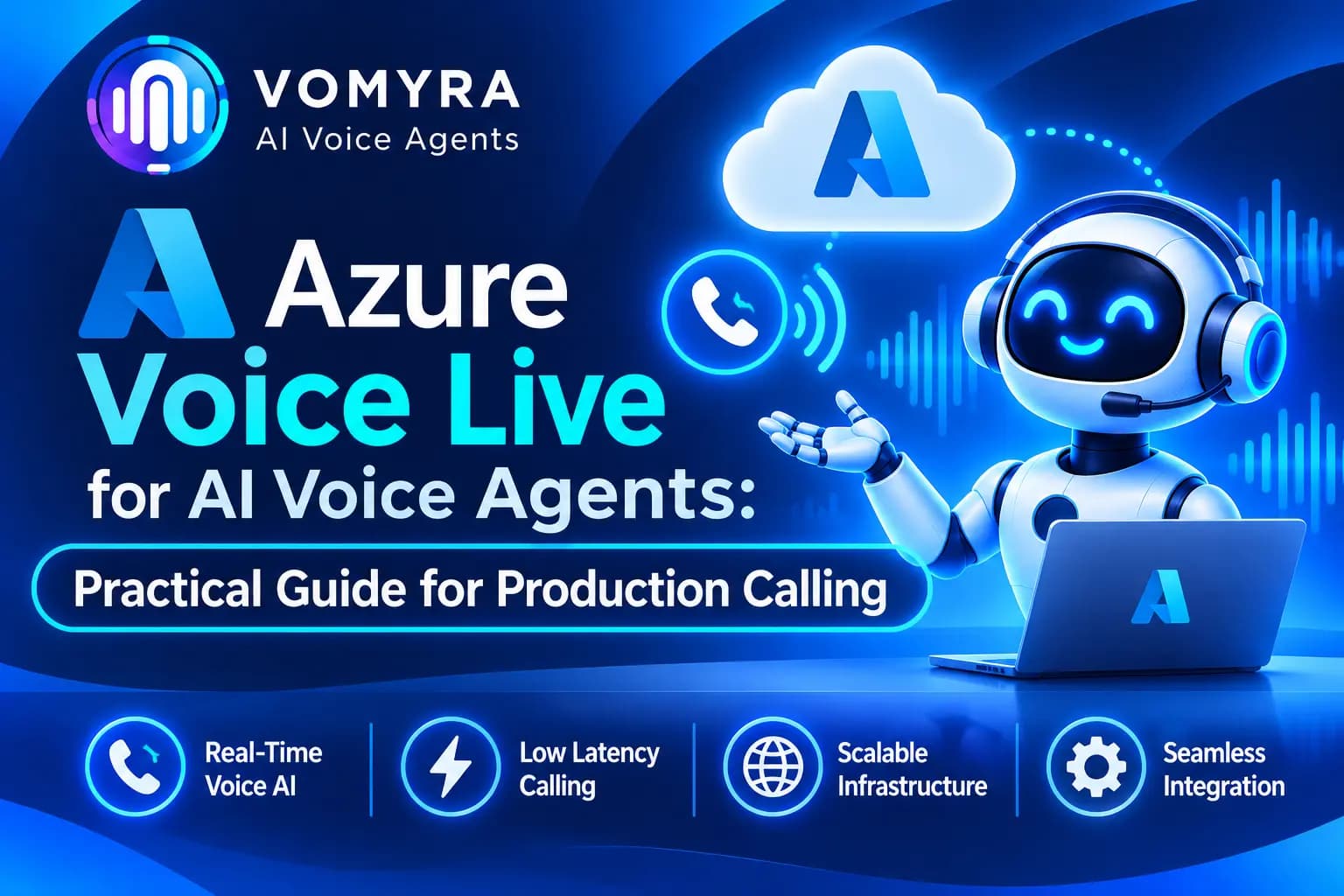
Microsoft Azure Voice Live is designed to simplify this process. It provides a real-time speech-to-speech interface that combines speech recognition, generative AI and speech generation through a managed service.
For businesses building AI voice agents, Azure Voice Live offers an approach to creating conversational applications without manually connecting every speech component. This guide explains its architecture, integration process and practical use cases for production calling.
What Is Azure Voice Live for AI Voice Agents?
Azure Voice Live is a Microsoft service for building real-time voice applications. It allows developers to create conversations where users speak naturally and receive spoken responses from an AI agent.
Instead of managing separate speech-to-text, language model and text-to-speech services, developers can use a unified interface to handle the voice interaction.
The service supports real-time communication through WebSocket and WebRTC, depending on the application. It also supports session instructions, audio configuration, turn detection and tool interactions.
For example, a customer calling a service company can ask about an appointment. The AI agent understands the request, checks availability through a connected business API and responds with the available options.
Azure Voice Live manages the voice interaction, while the application connects the conversation to the business logic and systems required to complete the task.
How Azure Voice Live Architecture Works
A production AI voice agent generally involves four important layers:
1. Audio input: The caller speaks through a phone, browser or mobile application. The system captures and sends the audio to Azure Voice Live.
2. Real-time AI processing: Azure Voice Live processes the incoming speech and generates a conversational response using the configured model and session instructions.
3. Business tool execution: When the user requests an action, the agent can use configured tools to retrieve information or trigger an approved workflow. The application executes the requested function and returns its result.
4. Audio output: The generated response is streamed back to the caller so the conversation can continue.
A simplified architecture looks like this:
Caller → Telephony/WebRTC → Azure Voice Live → Business APIs/CRM → Voice Response
For browser and mobile applications, WebRTC is designed for low-latency audio streaming. WebSocket is useful for applications that manage audio and conversation events through a persistent connection.
For telephone calls, SIP can connect the Voice Live service with a carrier or Session Border Controller (SBC). The availability of this option depends on the supported Azure region and telephony configuration.
How to Integrate Azure Voice Live with an AI Voice Agent
The implementation depends on whether you are building a browser-based assistant or a phone-based calling agent. The following steps cover the main setup process.
Step 1: Create an Azure AI Foundry Resource
Start by creating a Microsoft Foundry resource in a supported region. You will need an Azure subscription and access to the Voice Live service.
Check the available models and regional support before selecting the resource location. The selected model and required features must be available in that region.
Step 2: Configure Authentication
Azure Voice Live supports Microsoft Entra ID authentication and API-key authentication.
Microsoft recommends Entra ID for secure, keyless authentication. You can assign the required permissions to a user or managed identity and obtain an access token.
If you use an API key, store it securely in environment variables or Azure Key Vault. Never expose permanent credentials in frontend code or public repositories.
Step 3: Establish a Real-Time Connection
The Voice Live API uses a WebSocket endpoint for real-time communication. A typical endpoint follows this structure:
wss://<resource-name>.services.ai.azure.com/voice-live/realtime?api-version=2026-04-10&model=<model-name>
Replace the resource name and model with your actual configuration. The API version and model availability should be checked against Microsoft’s current documentation.
Once connected, the application can exchange events with the service and manage the voice session.
Step 4: Configure the Voice Session
Set the agent’s instructions, voice, supported modalities and audio settings.
For example, a customer support agent should be instructed to answer approved questions, collect relevant details and transfer complex issues to a human representative.
Clear instructions help maintain consistent conversations and reduce incorrect or unrelated responses.
Step 5: Connect Business Tools
Voice agents become more useful when they can access real business information.
You can connect functions or backend APIs for:
- Retrieving customer records
- Checking order status
- Booking appointments
- Updating CRM information
- Creating support tickets
- Sending confirmation messages
The application should validate important actions before executing them. For example, an appointment should not be confirmed until the booking system returns a successful result.
Step 6: Connect Telephony for Production Calling
For phone-based deployments, connect the voice application to a supported SIP carrier or telephony infrastructure.
Microsoft’s Voice Live SIP capability supports inbound and outbound calling through compatible carrier or SBC routes. However, SIP availability is region-specific. Check Microsoft’s current regional requirements before designing the deployment.
You can also use a telephony provider and a custom media bridge where the architecture requires it. Test audio formats, call routing, interruptions and transfer behaviour before launching the agent.
Practical Use Cases of Azure Voice Live AI Agents
1. Customer Support and Helpdesk
Businesses can use Azure Voice Live agents to answer common customer questions, provide service information and collect support details. For complicated issues, the agent can transfer the call to a human representative.
2. Sales and Lead Qualification
Sales teams can automate the first conversation with new enquiries. The agent can ask about customer requirements, budget, location and purchase timelines before passing qualified prospects to the sales team.
3. Appointment Scheduling
Healthcare providers, consultants and service businesses can use voice agents to confirm appointments, check availability and manage rescheduling requests through connected calendar systems.
4. Order and Delivery Updates
E-commerce companies can connect voice agents to their order management systems. Customers can ask about order status, delivery schedules and other approved details without waiting for a support executive.
5. Payment and Service Reminders
Financial and service-based businesses can automate suitable reminder calls. The agent can inform customers about upcoming payments or scheduled services and record their responses. Sensitive information should only be shared after appropriate verification.
6. Multilingual Customer Conversations
Businesses serving customers across different regions can use supported voices and language capabilities to create more accessible voice experiences. Language quality should be tested with real callers, particularly when conversations involve regional accents or code-switching.
Best Practices for Production Calling

A successful demo does not automatically mean an AI voice agent is ready for real customers. Production calling requires attention to reliability, security and conversation quality.
- Test real phone audio: Evaluate performance on actual mobile and landline calls, not just studio-quality microphone recordings.
- Manage interruptions: Configure turn detection and test whether the agent can stop speaking when a caller interrupts.
- Reduce response delays: Optimise network connections, tool execution and audio streaming to keep conversations natural.
- Secure customer information: Use appropriate authentication, access controls and data-retention policies.
- Validate business actions: Confirm bookings, payments and CRM updates through the connected system.
- Provide human handover: Define clear conditions for transferring calls when the agent cannot resolve a request.
- Monitor performance: Track call completion, failed requests, response delays, transfer rates and customer feedback.
- Plan for regional availability: Confirm Azure model, Voice Live and SIP support in the selected deployment region.
How Vomyra Uses Azure Voice Live for AI Voice Agents
Setting up Azure Voice Live directly can require developers to manage cloud resources, authentication, telephony, business integrations and production monitoring.
Vomyra provides a voice AI platform that brings these components together. Its integration lineup includes Azure Voice Live as an enterprise speech-to-speech option, alongside other voice models and telephony providers.
Businesses can use Vomyra to build agents for inbound support, outbound sales, lead qualification, appointment scheduling and customer follow-ups. The platform also supports REST APIs, webhooks, MCP and SIP trunking for connecting agents with existing business workflows.
For example, a company can configure an AI sales agent to contact new enquiries, understand customer requirements, schedule meetings and update CRM records during conversations.
Vomyra also allows businesses to choose between supported voice models and telephony options without building every connection independently. This can simplify deployment for teams that want production calling capabilities without managing the entire voice infrastructure themselves.
Conclusion
Azure Voice Live provides a managed approach to building real-time AI voice agents. By combining speech processing, generative AI and audio generation, it helps developers create conversational applications with fewer separate components to manage.
For production calling, the architecture must also account for telephony connectivity, regional availability, secure authentication, business tool execution and human handover.
Businesses can build a custom solution using Microsoft’s APIs or use a platform such as Vomyra to bring voice models, telephony and business integrations together. The right choice depends on the team’s technical resources, calling requirements and deployment needs.
Read More: How to Connect xAI with AI Voice Agents for Real-Time Conversations
Frequently Asked Questions
1. What is Azure Voice Live?
Azure Voice Live is Microsoft’s managed service for building real-time speech-to-speech applications. It combines speech recognition, generative AI and speech generation through a unified interface.
2. Can Azure Voice Live be used for phone calls?
Yes. Voice Live supports SIP connectivity for compatible telephony and SBC routes. Availability depends on the supported Azure regions and the selected calling architecture.
3. Does Azure Voice Live support real-time conversations?
Yes. It supports real-time communication through WebSocket and WebRTC, allowing applications to stream audio and receive responses during an active conversation.
4. Can Azure Voice Live connect with CRM systems?
Yes. Developers can configure tools and backend APIs to retrieve customer information, update CRM records, schedule appointments and trigger other authorised business actions.
5. What is the difference between WebSocket, WebRTC and SIP?
WebSocket provides a persistent connection for exchanging audio and conversation events. WebRTC is designed for real-time media communication in browser and mobile applications. SIP connects voice applications with phone networks, carriers and compatible SBC infrastructure.
6. Does Vomyra support Azure Voice Live?
Yes. Vomyra lists Azure Voice Live as an available enterprise speech-to-speech integration. Businesses can use it as part of their AI voice agent setup alongside supported telephony and business integrations.