AI voice agents need to understand what people say before they can respond accurately. This becomes more challenging during real phone conversations, where callers may speak quickly, use regional accents, switch between languages or talk in noisy environments. A speech recognition system that works well with studio-quality recordings may not deliver the same results over a mobile phone call.
Deepgram integration with AI voice agents helps address this challenge through real-time speech-to-text technology. Its speech recognition models can convert incoming audio into text while a conversation is taking place. The resulting transcript is then passed to a language model, which understands the caller’s request and prepares an appropriate response.
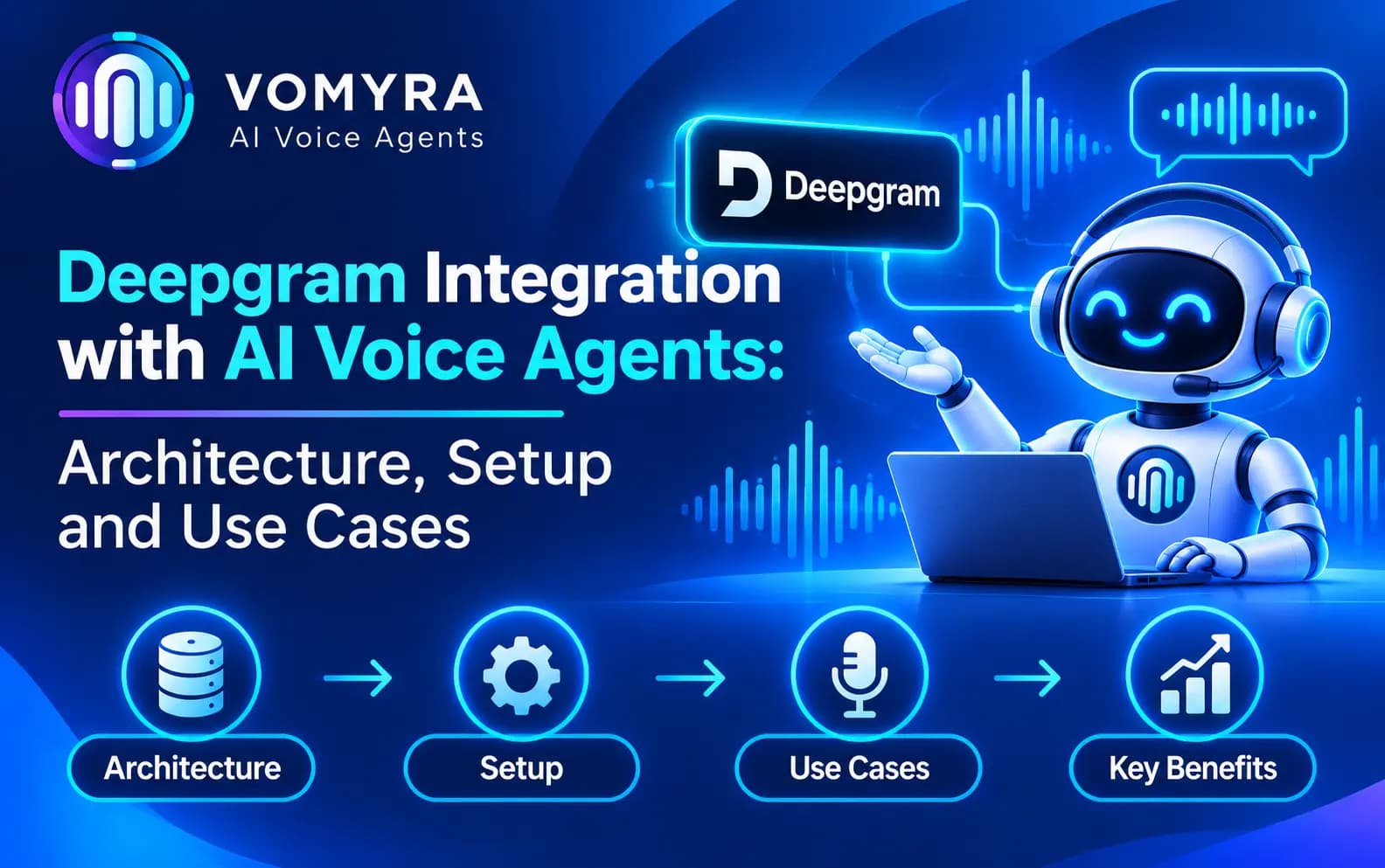
For businesses handling customer calls, sales enquiries, appointment bookings and follow-ups, this can make voice interactions more practical and easier to manage. This guide explains how Deepgram works with AI voice agents, the architecture behind the integration, implementation steps and business use cases.
What Is Deepgram?
Deepgram is an AI speech platform that provides speech-to-text, text-to-speech and voice agent capabilities through APIs. Businesses and developers can use these services to build applications that understand spoken language and respond through voice.
For AI voice applications, one of its important capabilities is real-time speech recognition. Instead of waiting for an entire recording to finish, a streaming speech-to-text API can process incoming audio while the caller is speaking.
Deepgram provides different speech recognition model families for different requirements:
- Nova-3: Designed for streaming transcription with features such as multilingual recognition, language detection and custom keyterms.
- Flux: Designed for conversational voice agents that need low latency and model-integrated end-of-turn detection.
The right model depends on the application. A business that needs detailed transcripts and multilingual recognition may prefer Nova, while an application focused on conversational turn-taking may consider Flux.
Why Integrate Deepgram with AI Voice Agents?
Speech recognition is one of the most important parts of a traditional AI voice agent. If the system misunderstands the caller’s words, the language model may generate an incorrect response even when its reasoning capabilities are strong.
Deepgram helps improve the speech recognition stage by converting live audio into text that the rest of the voice application can process.
1. Real-Time Speech Recognition
Streaming transcription allows an AI voice agent to receive partial text while a caller is speaking. The application can use these interim results to prepare the next step instead of waiting unnecessarily for the complete conversation turn.
This can reduce perceived response delays and make automated calls feel more natural.
2. Multilingual and Code-Switched Conversations
Many customers do not speak in only one language throughout a phone call. An Indian caller may begin in Hindi, use English business terms and switch back to Hindi within the same sentence.
Deepgram’s Nova model supports multilingual code-switching, allowing applications to handle conversations where multiple languages are used. Vomyra’s Deepgram integration specifically lists Hindi, Bengali, Marathi, Tamil, Telugu and Gujarati among its supported Indian languages.
3. Better Handling of Phone Audio
Real phone calls are different from clean audio recordings. Network compression, background noise, microphone quality and regional accents can affect transcription.
Speech recognition designed for conversational applications can help businesses process these audio conditions more effectively. However, actual accuracy still depends on call quality, language selection, model configuration and the caller’s speech.
4. Searchable Conversation Records
Transcripts make it easier to review customer conversations without listening to every recording. Sales and support teams can search for important phrases, identify common objections and review how an AI agent handled a particular enquiry.
These records can also support quality checks and business reporting, subject to applicable privacy and data-retention requirements.
How Deepgram Integration with AI Voice Agents Works
A traditional AI voice agent uses multiple components to manage a conversation. Deepgram handles the speech recognition stage, while a language model processes the caller’s request and a text-to-speech provider generates the spoken response.
A typical architecture looks like this:
Caller → Telephony → Deepgram Speech-to-Text → LLM → Business Tools → Text-to-Speech → Caller
Each component has a separate responsibility.
Step 1: Capture Incoming Call Audio
The process begins when a customer calls a business number or receives an automated outbound call. A telephony provider connects the call and makes the incoming audio available to the voice application.
The audio must be delivered in a format supported by the selected speech recognition service.
Step 2: Convert Speech into Text with Deepgram
The voice application streams the caller’s audio to Deepgram. Its speech-to-text model processes the audio and returns text as the conversation progresses.
For example, a caller might say:
“I want to book a demo kal afternoon.”
The speech recognition layer converts the spoken request into text. If the model is configured for the expected language or code-switching pattern, it can help preserve the meaning of the mixed-language sentence.
Step 3: Process the Transcript with an LLM
The recognised text is passed to a large language model. The LLM uses the agent’s instructions and conversation history to understand the caller’s intent.
For example, if the caller wants to schedule a product demonstration, the model can identify the request and determine which details are still required.
Step 4: Connect Business Tools and APIs
The AI agent can use connected tools to perform actions during the conversation. Depending on the application and permissions, these may include checking availability, retrieving customer information, creating CRM records or scheduling appointments.
The application should validate important information before completing actions such as bookings or record updates.
Step 5: Generate and Deliver the Voice Response
After preparing an answer, the language model sends text to a text-to-speech service. The generated audio is returned through the telephony connection so the caller can hear the response.
Deepgram also provides streaming text-to-speech through its WebSocket API. However, businesses can use another compatible speech provider when their application requires a different voice or speech configuration.
Steps to Integrate Deepgram with an AI Voice Agent
The implementation process depends on whether you are building a custom application or using an existing voice AI platform.
For a custom development project, the following steps provide a practical starting point.
1. Create a Deepgram Account and API Key
Start by creating a Deepgram account and generating an API key from the developer dashboard. The key is used to authenticate API requests.
Store credentials securely on the server. Avoid placing permanent API keys directly in browser-side code or exposing them in public repositories.
2. Select the Speech Recognition Model
Choose a model according to the requirements of your voice application.
For example, Nova-3 can be considered when multilingual transcription, code-switching and custom vocabulary are important. Flux may be more suitable when low-latency conversational turn detection is a priority.
Deepgram’s documentation describes these model families and their configuration options.
3. Configure Audio Streaming
Connect the telephony or audio transport layer to your backend application. Configure the audio encoding, sample rate and streaming connection according to the requirements of the selected API.
For real-time applications, WebSocket connections are commonly used to send audio and receive transcription events.
4. Connect the LLM
Pass recognised text to your selected language model. Configure the system prompt, conversation history and business rules so the agent responds according to the organisation’s requirements.
Keep the conversation context relevant and avoid sending unnecessary customer information.
5. Add Text-to-Speech
Connect a compatible TTS provider to convert the generated response into audio. Configure voice, language, output format and speaking speed based on the calling experience you want to provide.
6. Test the Complete Calling Workflow
Test the voice agent with different accents, speaking speeds, background noise levels and language combinations. Check whether it recognises names, numbers, dates and business-specific terms correctly.
Also test interruptions, unclear responses, API failures and human handover before using the system in production.
Read Also: Azure Voice Live for AI Voice Agents: Practical Guide for Production Calling
Practical Use Cases of Deepgram-Powered AI Voice Agents

Deepgram can support different voice automation workflows where accurate speech recognition and searchable transcripts are important.
Customer Support Automation
An AI voice agent can answer common customer questions, collect issue details and route complex enquiries to the appropriate support team. Deepgram converts the caller’s speech into text so the language model can understand the problem and prepare a response.
Sales Lead Qualification
Businesses can use AI voice agents to contact incoming leads, ask qualification questions and identify customer requirements. The system can capture details such as budget, location, product interest and purchase timeline.
Sales teams can then review the collected information and prioritise qualified prospects.
Appointment Scheduling
Healthcare providers, educational institutions, service businesses and consultants can use voice agents to manage appointment enquiries.
The agent can collect the preferred date and time, check availability through a connected system and confirm the booking after successful validation.
Hindi and Hinglish Calling Campaigns
Businesses in India often communicate with customers who naturally switch between Hindi and English. Deepgram’s multilingual transcription capabilities can support these conversations when the appropriate language configuration is used.
This can be useful for sales campaigns, customer feedback calls, payment reminders and service follow-ups.
Call Quality Analysis
Transcripts can help managers review customer interactions, identify frequently raised concerns and understand where conversations are not progressing.
For example, a sales team can search transcripts for pricing objections, product questions or requests for a human representative. This makes it easier to identify patterns across large calling campaigns.
Best Practices for Production-Ready Deepgram Voice Agents
A successful integration requires more than connecting an API. Businesses should also consider audio quality, response speed, security and conversation design.
Choose the right language configuration: Set the expected language or multilingual mode according to the audience. Test code-switched conversations instead of relying only on single-language examples.
Optimise audio settings: Make sure the audio encoding and sample rate match the API configuration. Incorrect audio settings can affect transcription quality.
Use custom keyterms where relevant: Add important product names, company terms and industry-specific vocabulary when supported by the selected model. This can help the speech recognition system identify words that are uncommon in general conversations.
Manage latency across the full pipeline: Measure the time spent on audio streaming, transcription, LLM processing, tool execution and speech generation. Improving only the transcription stage may not make the complete conversation faster if another component is creating delays.
Handle interruptions properly: Customers may start speaking while the AI agent is responding. Configure turn-taking and interruption handling so the system can stop or adjust its response when required.
Protect customer information: Store API credentials securely and define appropriate access, retention and deletion policies for audio recordings and transcripts.
Monitor real conversations: Review transcription errors, failed API requests, call completion rates and customer handovers. Use this information to improve the agent’s instructions and configuration.
How Vomyra Uses Deepgram for AI Voice Agents
Vomyra provides an AI voice agent platform that brings speech recognition, language models, voice generation and telephony capabilities into a connected workflow. Its Deepgram integration is used as the speech-to-text layer in a traditional STT + LLM + TTS architecture.
Vomyra lists Deepgram Nova-3 for real-time streaming transcription, including support for multilingual and code-switched conversations. The platform also uses interim transcription results to begin preparing responses before the caller has finished speaking.
Businesses can select Deepgram for individual agents and configure the expected language, including Hindi, English or code-mixed input. Call transcripts are also searchable, helping teams review conversations, analyse objections and support quality assurance.
Vomyra offers two access options: managed Deepgram access through its plans or the option to bring your own Deepgram API key. This gives businesses flexibility based on their existing provider arrangements.
Beyond speech recognition, Vomyra connects AI agents with business workflows through capabilities such as REST APIs, webhooks, MCP and SIP trunking. This helps businesses build calling workflows that go beyond answering questions, including lead qualification, follow-ups and customer record updates.
Conclusion
Deepgram integration with AI voice agents helps businesses convert live speech into text and build more responsive voice applications. Its Nova and Flux model families serve different speech recognition requirements, from multilingual transcription to conversational turn detection.
When combined with an LLM, text-to-speech and telephony infrastructure, Deepgram can support customer support, sales qualification, appointment scheduling and call analysis workflows.
For businesses that want to use speech recognition without building every component separately, Vomyra brings Deepgram into its AI voice agent platform with managed access and bring-your-own-key options. This makes it easier to connect real-time transcription with business calling workflows.
Frequently Asked Questions
1. What is Deepgram integration with AI voice agents?
Deepgram integration connects Deepgram’s speech recognition technology with an AI voice application. It converts incoming speech into text so a language model can understand the caller and generate an appropriate response.
2. Does Deepgram support real-time speech-to-text?
Yes. Deepgram provides streaming speech-to-text APIs that process incoming audio in real time. Its Flux and Nova model families support different requirements for conversational voice agents and streaming transcription.
3. Can Deepgram understand Hindi and Hinglish?
Deepgram supports multilingual speech recognition and code-switching through supported models and configurations. Vomyra’s Deepgram integration lists Hindi, Bengali, Marathi, Tamil, Telugu and Gujarati among its supported Indian languages.
4. What is the difference between Deepgram Nova and Flux?
Nova is designed for streaming transcription with features such as smart formatting, language detection and multilingual code-switching. Flux focuses on conversational voice agents and includes model-integrated end-of-turn detection for low-latency interactions.
5. Does Deepgram provide text-to-speech?
Yes. Deepgram provides text-to-speech APIs, including a WebSocket option for continuous text streaming. Developers can also connect other compatible TTS providers depending on their voice application requirements.
6. Can I use my own Deepgram API key with Vomyra?
Yes. Vomyra provides a bring-your-own-key option for businesses that want to use their own Deepgram credentials. Managed Deepgram access is also available through Vomyra plans.