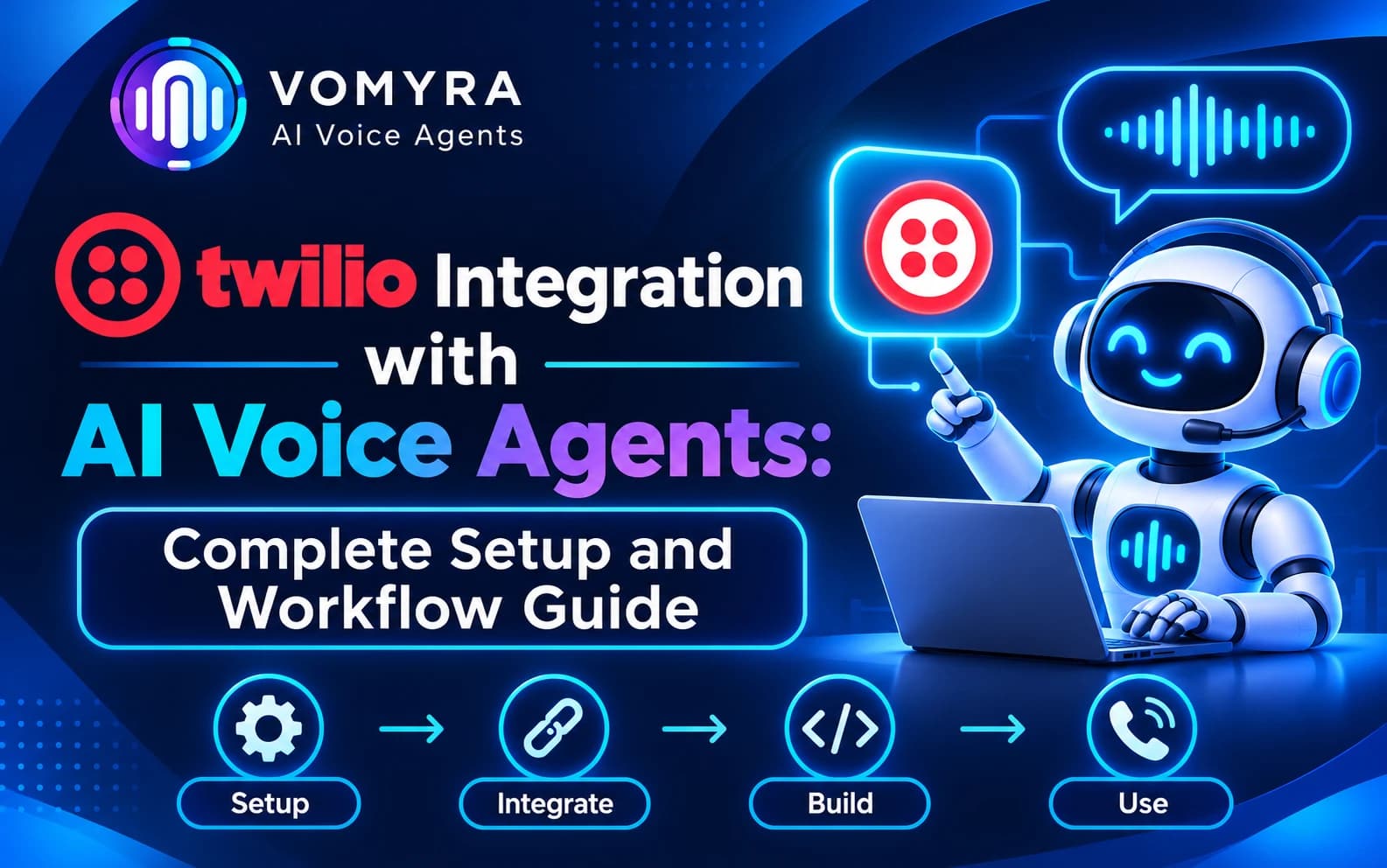
Businesses are increasingly using AI voice agents to manage customer calls, answer enquiries, qualify leads and automate routine conversations. However, an AI voice agent also needs a reliable telephony system to make and receive phone calls. This is where Twilio becomes useful.
Twilio provides communication APIs that allow applications to make, receive and manage phone calls. When connected with an AI voice agent, it can provide the calling infrastructure while the AI system handles customer conversations.
Twilio integration with AI voice agents helps businesses build automated calling workflows for sales, customer support, appointment scheduling and follow-ups. Developers can connect Twilio with speech recognition, AI models and voice generation services to create conversations that go beyond traditional IVR menus.
This guide explains how Twilio works with AI voice agents, the setup process, important integration methods, business use cases and best practices for building reliable voice automation workflows.
What Is Twilio Integration with AI Voice Agents?
Twilio integration connects the Twilio communication platform with an AI voice agent so that the agent can communicate with customers over phone calls.
Twilio provides telephony capabilities through its Programmable Voice API. It can initiate outbound calls, receive incoming calls, manage active calls and provide call-related information.
The AI voice agent handles the conversational part. It processes customer speech, understands the request and generates an appropriate response.
A typical integration includes:
- Twilio Programmable Voice: Handles incoming and outgoing phone calls.
- Webhooks: Send call events and requests to the connected application.
- Speech recognition: Converts customer speech into text.
- AI model: Understands customer intent and generates responses.
- Text-to-speech: Converts AI responses into spoken audio.
- CRM and business integrations: Store customer details and trigger approved actions.
Together, these components allow businesses to create AI-powered calling systems that can communicate with customers and support business workflows.
How Does Twilio Work with AI Voice Agents?
Twilio manages the phone connection, while the AI voice agent processes the conversation. The two systems communicate through APIs, webhooks or real-time audio connections, depending on the integration architecture.
A basic voice workflow follows this sequence:
- A customer calls a Twilio phone number or receives an outbound call.
- Twilio connects the call to the configured voice application.
- Customer speech is captured and processed by the voice system.
- The AI model interprets the customer’s request.
- The agent generates a relevant response.
- The response is converted into audio and played during the call.
- The system records the call outcome and triggers the next action when required.
For example, a customer may call a business to ask about an appointment. The AI voice agent can understand the request, check available time slots through a scheduling integration and communicate the available options.
Read Also: How to Integrate OpenAI with AI Voice Agents: Setup, Use Cases and Benefits
Methods to Integrate Twilio with AI Voice Agents
The right integration method depends on the required response speed, existing telephony infrastructure and the level of control developers need.
1. Twilio Programmable Voice API
The Programmable Voice API allows applications to make, receive and manage calls through code.
Developers can use the API to initiate outbound calls, retrieve call information and control active calls. This is useful for businesses that want to trigger AI-powered calls from a CRM, website, lead management system or internal application.
For example, when a new lead enters a CRM, an application can trigger an outbound Twilio call and connect the customer to an AI voice workflow.
2. Twilio Webhooks and TwiML
Webhooks allow Twilio to send HTTP requests to an application when specific call events occur.
When a customer calls a Twilio number, Twilio can send a request to the configured webhook URL. The application responds with TwiML, which contains instructions for handling the call.
TwiML can control actions such as playing messages, collecting keypad input, connecting calls and managing call flow.
This method is useful for configuring incoming calls and connecting them to the correct voice agent workflow.
3. Twilio Media Streams
Twilio Media Streams allows developers to send live call audio to an application through WebSockets.
For AI voice agents, bidirectional Media Streams are particularly useful because the application can receive customer audio and send generated audio back into the call.
A typical workflow looks like this:
Twilio Call → WebSocket Audio Stream → AI Voice Application → Generated Audio → Twilio Call
Developers can connect the audio stream with speech recognition, language models and text-to-speech services to build real-time conversational applications.
This approach offers flexibility but requires a WebSocket server, audio processing and proper stream management.
4. Twilio ConversationRelay
Twilio ConversationRelay provides another approach for building conversational voice applications. It handles speech recognition and text-to-speech, allowing developers to focus on the application logic and AI conversation.
It can be useful when a business wants Twilio to manage the speech layer while its application handles the conversational intelligence and business operations.
The choice between ConversationRelay and Media Streams depends on how much control the development team needs over audio processing and the overall voice architecture.
Step-by-Step Setup: Twilio Integration with AI Voice Agents
The following steps outline a typical integration process. Exact configuration depends on the selected voice platform and integration method.
Step 1: Create a Twilio Account
Create an account on Twilio and access the Twilio Console. Set up the required project and review the available phone number and voice capabilities.
For development and testing, use the appropriate account configuration and verify any restrictions that apply to trial accounts.
Step 2: Get a Twilio Phone Number
Select a phone number with the voice capabilities required for your workflow.
The number will be used to receive incoming calls or make outbound calls. Number availability, registration and usage requirements depend on the destination country.
Step 3: Configure API Credentials
Access the required account credentials and configure secure authentication for your application.
Store sensitive credentials on the backend and avoid exposing authentication details in public-facing code. Use secure configuration practices when connecting Twilio with an AI voice platform.
Step 4: Configure Webhooks
Set up the required webhook URL for incoming calls and other relevant call events.
When a call reaches the Twilio number, Twilio sends a request to the configured application. The application can then provide instructions for routing the call to the AI voice workflow.
Test the webhook response to ensure that incoming calls are handled correctly.
Step 5: Connect the AI Voice Agent
Connect Twilio with a voice agent platform or custom AI application.
Depending on the architecture, this may involve Programmable Voice, Media Streams, ConversationRelay or another supported connection method.
Configure the speech recognition, AI model and voice generation components required for the conversation.
Step 6: Create the Conversation Workflow
Define how the AI agent should handle customer conversations.
For example, a sales agent may introduce itself, understand customer requirements, answer approved questions and collect contact information.
Configure clear instructions, tool permissions and human handover conditions.
Step 7: Test Incoming and Outgoing Calls
Test both calling directions if they are part of the intended workflow.
Check audio quality, response timing, interruptions, call disconnections and webhook behaviour. Confirm that the AI agent can understand customer responses and provide relevant information.
Step 8: Monitor and Improve the Integration
After deployment, monitor call status, failed connections, conversation outcomes and customer feedback.
Use these results to improve the call flow, audio configuration and AI instructions.
Use Cases of Twilio Integration with AI Voice Agents
1. Automated Sales and Lead Follow-Ups
Businesses can connect Twilio with their lead management system to initiate calls when new enquiries are received.
An AI voice agent can contact prospects, ask about their requirements, qualify their interest and update the CRM. Interested customers can be transferred to sales representatives.
2. Customer Support Automation
Companies receive repeated calls about products, services, orders and general support questions.
A Twilio-powered AI voice agent can handle routine enquiries, provide approved information and route complex issues to human support teams.
3. Appointment Scheduling
Clinics, educational institutions, consultants and service providers can automate appointment-related calls.
The AI agent can understand customer preferences, check availability through a connected calendar and arrange appointments when supported by the scheduling integration.
4. Payment and Order Reminders
Businesses can use automated calling workflows to remind customers about upcoming payments, pending orders or service-related updates.
The agent can share approved information, record customer responses and schedule appropriate follow-ups.
5. Inbound Call Management
When customers call a business, an AI voice agent can understand the reason for the call and direct them to the appropriate service.
This can reduce dependence on fixed IVR menus and help customers reach the right department more efficiently.
6. Post-Service Feedback Calls
After a purchase, delivery or service interaction, businesses can use AI calling agents to collect customer feedback.
The agent can ask structured questions, record responses and pass feedback to the relevant team.
Benefits of Twilio Integration for AI Voice Agents

Reliable Calling Infrastructure
Twilio provides APIs and telephony features for managing incoming and outgoing calls. This gives businesses a communication layer for their AI voice applications.
Flexible Integration Options
Developers can choose from Programmable Voice, webhooks, TwiML, Media Streams and ConversationRelay according to their application requirements.
Automated Customer Communication
Businesses can automate repetitive calling activities such as lead follow-ups, appointment reminders and basic customer support.
Real-Time Voice Interactions
With suitable audio streaming architecture, AI applications can process customer speech and return generated audio during an active call.
Better Workflow Management
Call events and customer responses can be connected with CRM and business applications. This helps teams maintain organised records and manage follow-ups.
Support for Custom Voice Applications
Developers can build customised calling experiences by connecting Twilio with their preferred AI models, speech services and business tools.
Best Practices for Twilio and AI Voice Agent Integration
Secure API Credentials and Webhooks
Protect Twilio credentials and validate incoming webhook requests. For Media Streams, follow Twilio’s requirements for validating the X-Twilio-Signature header.
Choose the Right Integration Architecture
Use Programmable Voice for call control, Media Streams when custom real-time audio processing is required, and ConversationRelay when Twilio-managed speech recognition and text-to-speech suit the application.
Optimise Conversation Response Time
Long delays can make phone conversations difficult. Review speech processing, model response time, network connections and audio delivery to keep interactions responsive.
Design Clear Call Flows
Give the AI agent a defined role, approved information and clear conversation instructions. Avoid unnecessary questions and provide a straightforward route to human assistance.
Follow Calling and Privacy Requirements
Businesses should follow applicable telecom, consent, privacy and data protection requirements. Call recording, customer information and automated outreach must be handled according to the rules applicable to the business and calling destination.
Monitor Call Quality
Regularly review call completion, connection failures, response accuracy, customer feedback and escalation rates. This helps identify integration issues and improve the customer experience.
How Vomyra Supports Twilio Integration with AI Voice Agents
Businesses need a voice automation platform that can connect telephony infrastructure with conversational AI and business workflows.
Vomyra lists Twilio among its telephony integrations, providing businesses with an option to use Twilio as part of their AI voice agent setup, subject to the available integration configuration.
By combining telephony connectivity with AI voice agents, businesses can build workflows for lead qualification, customer support, appointment scheduling and automated follow-ups.
For example, a business can use a Twilio-connected voice workflow to contact new leads, understand their requirements and pass conversation outcomes to the sales team. The exact setup depends on the supported configuration, calling requirements and connected applications.
Conclusion
Twilio integration with AI voice agents helps businesses combine phone communication with conversational AI. Twilio provides the telephony infrastructure, while the voice agent handles customer conversations, understands requests and supports automated workflows.
From sales follow-ups and appointment scheduling to inbound support and customer feedback, this integration can reduce repetitive calling work and improve how businesses manage customer interactions.
The right setup depends on the use case, audio architecture and required integrations. By configuring secure webhooks, selecting the appropriate Twilio voice technology and testing conversations before deployment, businesses can build reliable AI-powered calling workflows.
Read Also: MCP Client for AI Voice Agents: Practical Guide for Production Calling
Frequently Asked Questions
1. Can Twilio be integrated with AI voice agents?
Yes. Twilio can connect with AI voice agents through Programmable Voice, webhooks, Media Streams, ConversationRelay and supported third-party integrations. The selected method depends on the voice application architecture.
2. How do I connect Twilio with an AI voice agent?
Start by configuring a Twilio account and voice-enabled phone number. Set up the required API credentials and webhooks, connect the selected voice agent platform and configure the audio and conversation workflow. Test incoming and outgoing calls before deployment.
3. What is Twilio Media Streams used for in AI voice agents?
Media Streams sends live call audio to an application over WebSockets. Bidirectional streaming allows the application to receive caller audio and send generated audio back into the call, making it suitable for custom real-time AI voice conversations.
4. What is the difference between Twilio Media Streams and ConversationRelay?
Media Streams provides developers with more direct control over call audio and custom speech processing. ConversationRelay handles speech recognition and text-to-speech for the application, allowing developers to focus more on conversation logic.
5. Can Twilio AI voice agents make outbound calls?
Yes. Twilio’s Programmable Voice API supports outbound calls. When connected with an AI voice application, businesses can use it for eligible lead follow-ups, appointment reminders and customer communication.
6. Can Twilio integrate with CRM platforms?
Yes. Twilio-based applications can connect with CRM platforms through APIs, webhooks and automation tools. This can help businesses trigger calls, record outcomes and update customer information.