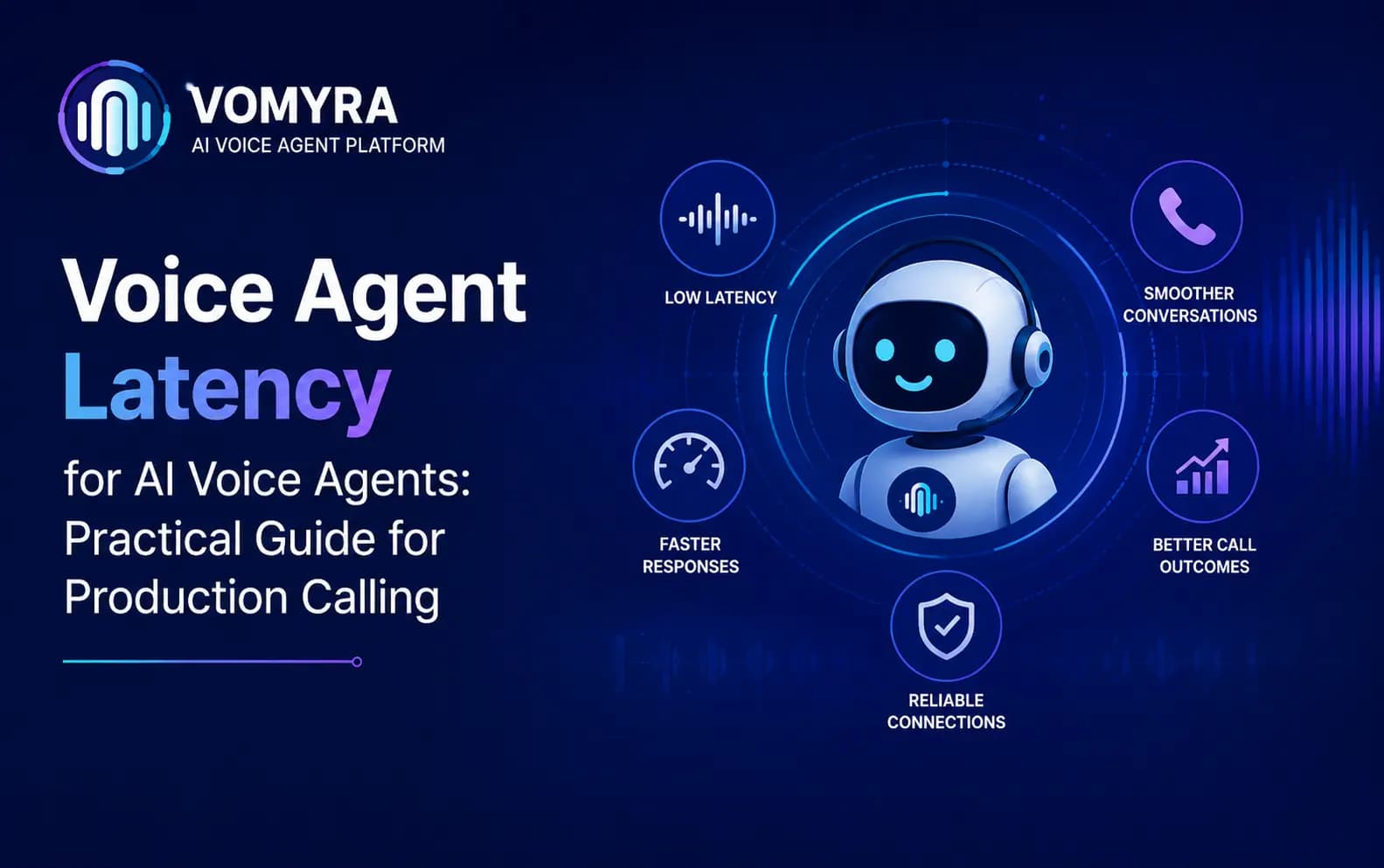
Latency is the single biggest factor separating an AI voice agent that feels natural from one that feels obviously artificial. Get the conversation logic right but the timing wrong, and callers still talk over the agent, assume the call has dropped, or simply hang up frustrated.
Unlike a chat interface, where a two-second delay barely registers, a phone conversation has a much tighter tolerance. Humans are highly sensitive to timing in spoken conversation – it’s part of how we judge whether we’re being listened to.
This guide breaks down where latency actually comes from in an AI voice agent’s pipeline, how to measure it properly, and what production teams can do to bring it down to a level that feels genuinely conversational.
Why Latency Matters More on Voice Than Any Other Channel
In everyday human conversation, the gap between one person finishing a sentence and the other responding is typically around 200–500 milliseconds. Beyond roughly 800 milliseconds to a second, the pause starts to feel unnatural – long enough that callers begin to wonder if the line has dropped, or start talking again themselves.
This creates a much stricter latency budget for AI voice agents than for text-based AI products. A chatbot that takes two seconds to respond feels perfectly normal. A voice agent that takes two seconds feels broken.
On top of this, voice conversations are unforgiving of inconsistency. A voice agent that responds quickly nine times out of ten but occasionally stalls for three seconds will feel worse overall than one that’s consistently a little slower – unpredictability breaks the caller’s sense of a natural rhythm more than steady, moderate latency does.

Where Latency Comes From in an AI Voice Agent
Total response time – the gap between a caller finishing speaking and the agent starting to reply – is the sum of every stage in the pipeline. In a standard cascaded architecture, that means:
1. Audio Capture and Network Transit
Before anything else happens, audio has to travel from the caller’s phone, across the telephony network, to the voice agent’s system. Network quality, carrier routing and jitter all add small but real delays here – often 50–100 milliseconds, sometimes more on poor mobile connections.
2. Speech-to-Text Processing
Converting the caller’s speech into text takes time, and the difference between streaming and batch processing is significant here. Streaming STT starts producing a transcript as the caller speaks, rather than waiting until they finish – this alone can save hundreds of milliseconds compared to a batch approach.
3. Endpointing – Deciding the Caller Has Finished Speaking
This is one of the most underrated sources of latency and error. The system needs to decide when the caller has actually finished their sentence, versus just pausing to think. Wait too long, and the agent feels slow. Cut in too early, and it interrupts the caller mid-thought. Getting this right typically adds 100–300 milliseconds of intentional buffer, tuned carefully rather than left at a default.
4. Language Model Reasoning
Generating the agent’s response – understanding intent, applying business logic, deciding what to say – takes time proportional to the complexity of the task and the size of the model involved. Simple responses can be fast; responses that require a tool call (checking a CRM, looking up availability) add noticeably more.
5. Text-to-Speech Generation
Converting the response text back into audio adds further latency, particularly if the system waits for the full response to be generated before starting to render speech, rather than streaming audio as text is produced.
6. Audio Playback and Network Transit
Finally, the generated audio has to travel back across the network to the caller’s phone, adding another small delay before the caller actually hears the response.
A Practical Latency Budget
| Stage | Typical Contribution | Main Lever to Reduce It |
| Audio capture & network transit | 50–100 ms | Telephony provider quality, regional routing |
| Speech-to-text (streaming) | 100–200 ms | Streaming vs batch processing |
| Endpointing / turn-detection | 100–300 ms | Tuned silence and pause thresholds |
| Language model reasoning | 150–400 ms | Model choice, prompt complexity, tool-call design |
| Text-to-speech generation | 100–200 ms | Streaming TTS, voice model choice |
| Audio playback & network transit | 50–100 ms | Telephony provider quality, jitter buffering |
| Total (target) | ~550ms–1.2s | Optimising each stage, not just one |
The goal for natural-feeling conversation is keeping total round-trip response time under roughly 800 milliseconds to a second for most turns, recognising that occasional longer pauses (for complex tool calls, for example) are more tolerable if they’re rare and the agent acknowledges the delay rather than going silent.
Common Causes of High Latency in Production
Batch instead of streaming processing Waiting for a caller to fully finish speaking before starting transcription, or waiting for a full response before starting speech generation, adds unnecessary delay at both ends of the pipeline.
Unoptimised tool calls A language model waiting on a slow API call – checking inventory, looking up a booking – stalls the entire response. Tool calls need their own latency budget and timeout handling.
Oversized or overly complex prompts Longer, more complex system prompts and conversation histories increase language model processing time. Prompt design matters for latency, not just for accuracy.
Poor telephony infrastructure Low-quality VoIP routing or carrier issues can add latency and jitter before the AI pipeline even gets involved, regardless of how well the rest of the system is optimised.
No fallback for slow responses When a response genuinely takes longer – a complex lookup, an unusual request – a system with no acknowledgement pattern goes silent, which feels far worse to a caller than a spoken “let me check that for you” while the lookup completes.
How to Measure Latency Properly
Testing latency in a quiet office on a strong Wi-Fi connection tells you very little about production performance. Meaningful latency testing should include:
- Real phone calls over mobile networks, not just VoIP test calls in ideal conditions
- End-to-end round-trip measurement – from the caller finishing speaking to audio starting to play back – not just individual component benchmarks
- Testing under load, since latency often degrades when a system is handling many simultaneous calls, not just one
- Testing across the actual languages and accents your callers use, since STT and TTS performance can vary meaningfully by language
- Tracking consistency, not just averages – a system with occasional multi-second spikes needs attention even if its average latency looks reasonable
Practical Ways to Reduce Latency
- Use streaming at every stage – streaming STT, streaming language model output where supported, and streaming TTS, rather than waiting for complete outputs at each step.
- Keep prompts and context lean – trim unnecessary history and instructions from what the model has to process on each turn.
- Design fast-path responses for common, simple queries that don’t need a tool call, reserving slower lookups for genuinely complex requests.
- Use acknowledgement phrases for unavoidable delays, so the caller hears something rather than silence during a longer lookup.
- Choose telephony infrastructure built for the region you’re calling in – routing quality varies meaningfully across providers, especially for mobile-heavy markets like India.
- Tune endpointing carefully rather than using default silence thresholds, since this single setting has an outsized effect on both latency and interruption handling.
Production Calling, Engineered for Low Latency
Reducing latency across every stage of a voice pipeline – streaming architecture, tuned endpointing, fast telephony routing, efficient tool-calling – is a deep, ongoing engineering effort that most businesses don’t need to take on themselves.
Vomyra is India’s Agentic Voice AI Platform, built on voice infrastructure already engineered for low-latency, natural conversation across real Indian mobile networks. Businesses can launch complete AI voice agents – Research, Outreach, Qualification, Closing and Follow-Up – with the latency engineering already handled, using real Indian mobile numbers and human-like conversations in multiple languages.
If you’re evaluating a voice AI platform for production calling, it’s worth testing Vomyra’s response times under your own real call conditions, not just a demo script.
Read More : Speech-To-Speech Architecture for AI Voice Agents: Practical Guide for Production Calling
FAQs
What’s considered “good” latency for an AI voice agent?
Most natural-feeling conversations keep round-trip response time under about 800 milliseconds to a second for typical turns, with occasional longer pauses acceptable only when acknowledged rather than silent.
Does a bigger, more capable language model always mean higher latency?
Generally yes, larger models take longer to generate a response, which is why many production systems balance model capability against response time requirements, sometimes using faster models for simple turns and reserving larger ones for complex reasoning.
Can good telephony infrastructure alone fix latency problems?
No. Telephony quality affects only the network transit portions of the pipeline. STT, language model reasoning, TTS and endpointing all need their own optimisation regardless of network quality.
Why does my AI voice agent feel slow even though each component tests fast individually?
Because total latency is cumulative – several individually reasonable delays across STT, reasoning, TTS and network transit can add up to a response time that feels slow, even if no single stage looks like a clear problem in isolation.