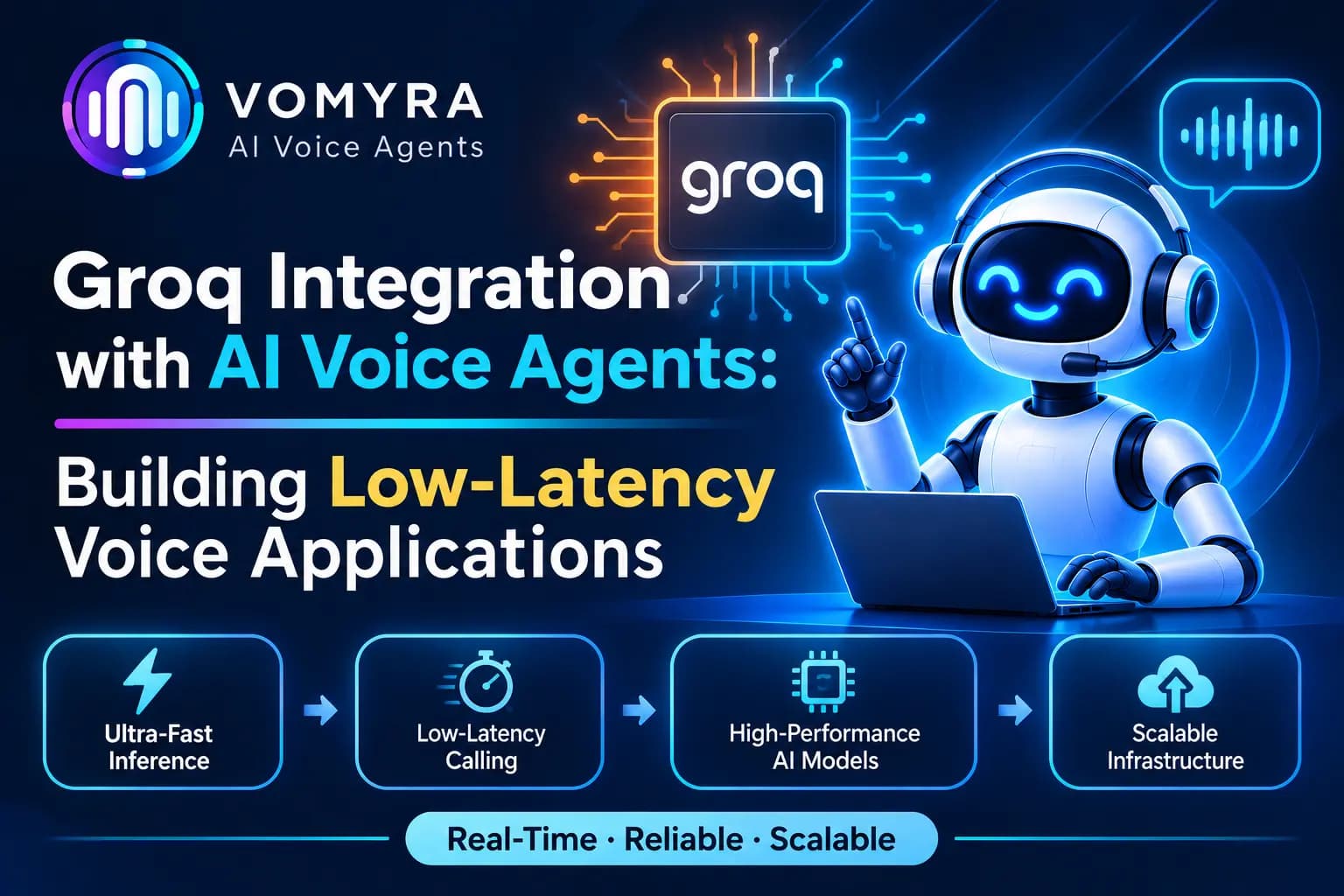
Voice AI applications need to respond quickly to keep conversations natural. When a customer speaks to an AI voice agent, the system must process the audio, understand the request, generate a suitable response and deliver it without unnecessary delays. Even small delays can interrupt the flow of a phone conversation.
Groq integration with AI voice agents helps developers build responsive voice applications by using Groq’s high-speed AI inference for language processing and speech-related tasks. It can be combined with speech recognition, text-to-speech and real-time communication services to create complete voice workflows.
This guide explains how Groq works with AI voice agents, the integration architecture, setup process, practical use cases and best practices for production calling.
What Is Groq Integration with AI Voice Agents?
Groq provides an AI inference platform that allows applications to run supported language and speech models through APIs. Its infrastructure is designed for fast model inference, making it useful for applications where response time matters.
In an AI voice agent, Groq can handle the language processing stage. It receives the transcribed customer message, understands the context and generates a response that the application can convert into speech.
A complete voice application may use:
- Groq LLMs: Generate conversational responses and process customer requests.
- Speech-to-Text (STT): Convert customer speech into text using supported models such as Whisper.
- Text-to-Speech (TTS): Convert the AI response into spoken audio.
- Real-time communication: Manage audio streams between customers and the voice application.
- Telephony infrastructure: Connect the application to actual phone calls.
These components work together to create an AI voice agent that can handle customer conversations.
How Groq Works in an AI Voice Agent Architecture
A production voice agent typically uses multiple services rather than relying on a single model or API.
1. Customer Speaks to the Voice Agent
The customer starts a conversation through a phone call, website or voice-enabled application. The communication layer receives the audio and sends it to the speech recognition component.
2. Speech-to-Text Converts Audio into Text
The speech recognition service processes the customer’s audio and generates a text transcript.
Groq provides speech-to-text endpoints that support models such as whisper-large-v3 and whisper-large-v3-turbo. These models can be used for multilingual transcription and audio translation, depending on the selected model.
3. Groq Processes the Customer’s Request
The transcript is sent to a supported Groq language model with the conversation history and system instructions.
The model understands the customer’s intent and generates an appropriate response. Streaming can be enabled so the application receives response text in smaller chunks instead of waiting for the complete response.
4. Text-to-Speech Generates the Response
The generated text is passed to a TTS service, which converts it into audio. Groq also provides a text-to-speech API with supported English and Arabic voice models.
Alternatively, developers can use a separate TTS provider based on their preferred voice, language and audio requirements.
5. The Response Reaches the Customer
The communication layer delivers the generated audio to the customer. The system continues listening for the next response and repeats the process.
Read Also: Aws Nova 2 Sonic for AI Voice Agents: Practical Guide for Production Calling
Key Components Required for Groq Integration
Groq API and Language Models
The Groq API provides access to supported language models for generating conversational responses. Developers can use chat completions or the Responses API to build AI-powered workflows.
Speech Recognition
Speech recognition converts spoken customer messages into text. Groq’s Whisper-based models support transcription, with model selection depending on language requirements, accuracy and processing needs.
Text-to-Speech Service
A TTS service converts the AI-generated response into speech. Groq offers Orpheus-based TTS models for English and Saudi Arabic. Businesses requiring other languages or specialised voices may need an additional provider.
Real-Time Communication Layer
Services such as LiveKit can manage audio communication, WebRTC connections and voice pipeline components. LiveKit’s integration with Groq helps developers combine speech recognition with compatible TTS services.
Telephony Integration
For production phone calls, developers need a telephony provider or calling infrastructure. Providers such as Twilio or compatible SIP-based systems can connect phone calls to the voice application.
Important: Groq is not a complete phone calling platform. It provides model inference and speech APIs, while telephony and real-time audio transport require separate infrastructure.
Step-by-Step Guide to Integrate Groq with AI Voice Agents
Step 1: Create a Groq Account and Get an API Key
Create an account on GroqCloud and generate an API key from the developer console.
Store the key securely as an environment variable rather than placing it directly in frontend code or publicly accessible application files.
Step 2: Configure the Groq API
Groq provides an OpenAI-compatible API, which makes integration easier for applications already using OpenAI client libraries.
The API base URL is:
https://api.groq.com/openai/v1
Developers can configure an existing OpenAI client to use the Groq API by changing the base URL and API key.
Step 3: Select a Suitable Language Model
Choose a model based on the application’s requirements. Consider response quality, inference speed, tool-calling support and the complexity of customer conversations.
For example, a basic customer support agent may need short, direct responses, while a sales qualification agent may require more detailed conversation context.
Step 4: Connect Speech Recognition
Integrate a speech-to-text service to convert incoming customer audio into text. Groq supports Whisper-based transcription endpoints.
For lower-latency voice workflows, developers should carefully manage audio capture, chunking and processing. The documented transcription API is request-based, so a real-time application needs an appropriate audio pipeline rather than assuming the endpoint itself provides a continuous phone-audio stream.
Step 5: Build the Conversation Workflow
Create system instructions that define the agent’s role, tone, objectives and limitations.
For example, a customer support agent may need to identify the customer’s issue, collect relevant details and provide approved information. Maintain conversation context so the agent can understand follow-up questions.
Step 6: Add Text-to-Speech
Connect a TTS service to convert generated responses into audio. Configure voice selection, supported language, speaking speed and audio format according to the application.
Step 7: Connect Telephony and Test Calls
Connect the voice application to a telephony provider or SIP infrastructure. Test incoming and outgoing calls, audio quality, response delays, interruptions and call disconnections before production deployment.
Practical Use Cases of Groq-Powered AI Voice Agents
1. AI Customer Support
Businesses can use Groq-powered voice applications to answer common customer questions, collect issue details and guide callers through basic support processes.
Complex cases can be transferred to human support representatives.
2. Lead Qualification and Sales Calls
AI voice agents can contact new enquiries, ask questions about customer requirements and identify sales-ready prospects.
The collected information can be passed to a CRM so sales representatives can continue the conversation with relevant context.
3. Appointment Scheduling
Healthcare providers, consulting firms and service businesses can use voice agents to collect preferred appointment times and check availability through connected scheduling systems.
4. CRM Follow-Ups
Businesses can automate follow-up calls to eligible leads and existing customers. The agent can check interest, collect updated information and record the outcome in the CRM.
5. Multilingual Voice Applications
Groq’s Whisper speech recognition models support multiple languages. This can help developers build applications for customers who communicate in different languages.
The selected TTS provider must also support the required languages and voices to deliver a complete multilingual experience.
Benefits of Using Groq for AI Voice Applications

Fast AI inference: Groq’s inference infrastructure can help reduce the time required for language model responses, supporting more responsive conversations.
Flexible model selection: Developers can choose from supported models based on the complexity and performance requirements of their application.
OpenAI API compatibility: Existing applications using compatible OpenAI client libraries can often be adapted by changing the API configuration.
Speech processing options: Groq provides speech-to-text and text-to-speech APIs that developers can incorporate into voice workflows.
Tool-calling capabilities: Supported Groq models can work with external tools and APIs, allowing voice agents to perform tasks such as retrieving customer information or checking appointment availability.
Flexible architecture: Businesses can combine Groq with different communication, telephony, CRM and TTS providers to build workflows around their requirements.
Best Practices for Building Low-Latency Voice Applications
Keep Responses Short and Relevant
Long AI responses increase the time required to generate and deliver spoken output. Configure the agent to answer clearly and avoid unnecessary explanations during phone conversations.
Use Streaming Where Supported
Enable streaming for language model responses so the application can begin processing generated text before the complete answer is ready. Coordinate this with the TTS and audio delivery pipeline.
Optimise Audio Processing
Use suitable audio formats, sample rates and chunk sizes. Avoid sending unnecessarily large audio files through the workflow.
Manage Conversation Context
Maintain only the information required for the current conversation. A well-managed context helps the model respond accurately without sending excessive conversation history.
Configure Tool Calls Carefully
Connect only the tools needed by the agent, such as CRM lookup, appointment scheduling or customer record updates. Validate requests and handle failed tool calls safely.
Provide Human Handover
Allow customers to reach a human representative when the issue is complex, sensitive or outside the agent’s approved capabilities.
Monitor Production Performance
Measure speech recognition accuracy, model response time, total response delay, call completion rates and integration failures. Test with real-world accents, background noise and different network conditions.
Read Also: AI Voice Agents for Field-Sales Teams: Use Cases, Workflows and Best Practices
How Vomyra Supports AI Voice Agent Workflows
Vomyra provides an AI voice agent platform for businesses looking to automate customer conversations and calling workflows. Groq can be considered as a language processing component in a compatible voice application architecture, depending on the selected models and integrations.
By connecting AI inference with speech processing, telephony and business systems, companies can build workflows for customer support, lead qualification, appointment scheduling and follow-ups.
The final architecture depends on the required languages, voice quality, calling infrastructure and available integrations.
Conclusion
Groq integration with AI voice agents offers developers a way to use fast AI inference when building responsive voice applications. By combining language models with speech recognition, text-to-speech and real-time communication services, businesses can create voice workflows for sales, customer support and other communication tasks.
However, low latency depends on the complete system, not just the language model. Audio processing, network performance, telephony infrastructure and TTS response times also affect the customer experience.
With the right architecture, testing and monitoring, Groq-powered voice applications can support more responsive and practical AI calling workflows.
Frequently Asked Questions
1. What is Groq integration with AI voice agents?
It involves using Groq’s AI inference APIs to process customer requests and generate responses within an AI voice application. The application connects these APIs with speech recognition, TTS and communication services.
2. Can Groq be used to build real-time AI voice agents?
Yes. Groq can be integrated into real-time voice application architectures. However, continuous audio communication, speech processing and telephony require additional components.
3. Does Groq provide speech-to-text and text-to-speech APIs?
Yes. Groq provides Whisper-based speech-to-text models and Orpheus-based text-to-speech models for supported languages.
4. Can Groq integrate with Twilio?
Groq can be used alongside Twilio in a custom voice application. Twilio handles telephony, while the application connects call audio with speech recognition, Groq language processing and TTS services.
5. What are the benefits of using Groq for AI voice agents?
Key benefits include fast model inference, OpenAI API compatibility, speech processing options, model flexibility and support for tool-calling workflows.