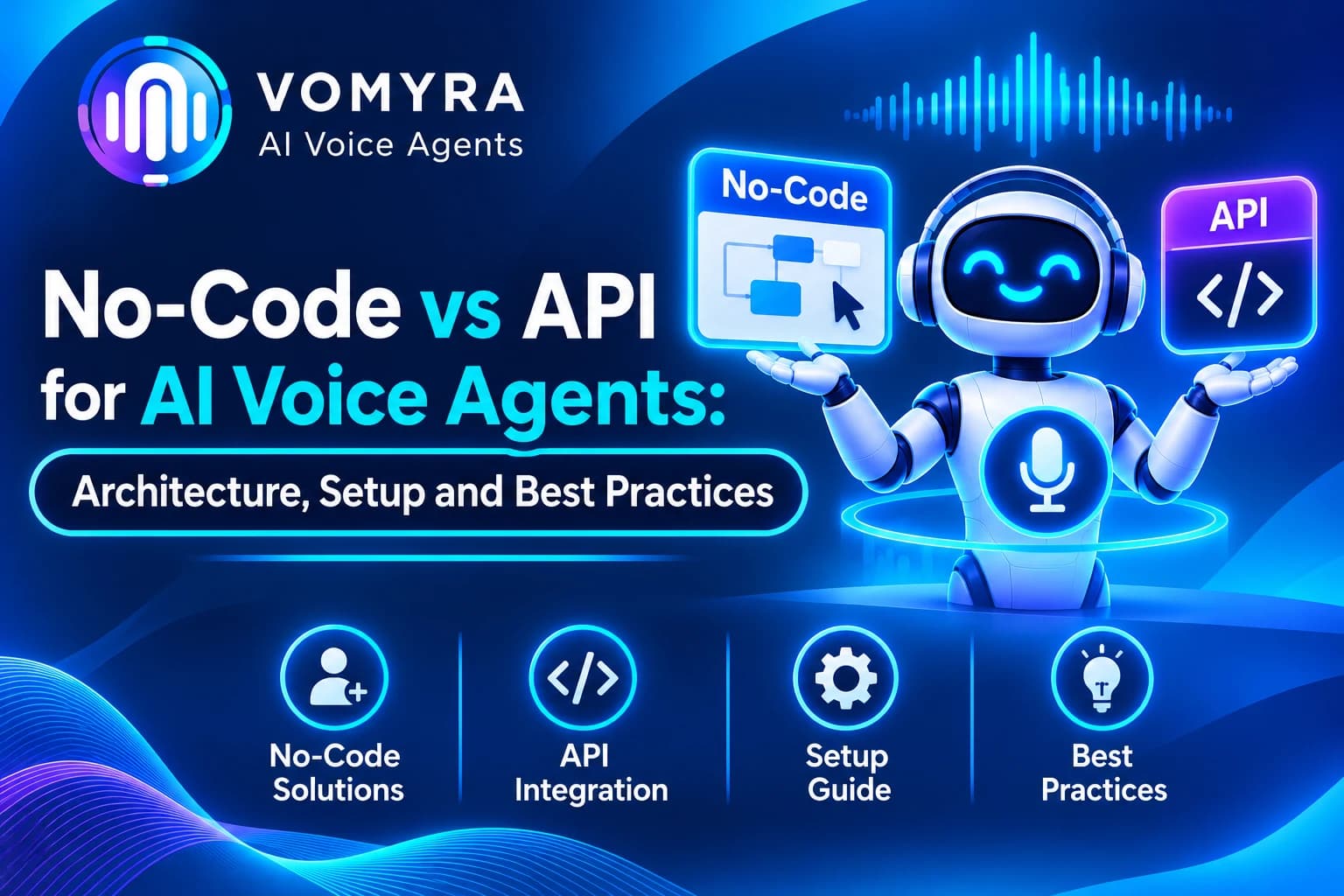
Businesses are increasingly using AI voice agents to handle customer enquiries, qualify sales leads, schedule appointments and automate follow-ups. However, building a voice agent involves an important decision: should you use a no-code platform or build the solution through APIs?
Both approaches can create AI-powered calling workflows, but they offer different levels of control, flexibility and technical responsibility. A no-code platform allows teams to configure agents through a dashboard, while an API-based approach gives developers more control over how the voice agent connects with applications, databases and business systems.
Choosing the right approach depends on your business requirements, available technical resources, integration needs and expected call volume.
This guide explains the differences between no-code and API-based AI voice agents, their architecture, setup processes, practical use cases and best practices.
What Are No-Code AI Voice Agents?
No-code AI voice agents are voice automation systems that businesses can create and manage without writing application code. Users configure the agent through a visual dashboard or guided setup process.
Instead of building separate speech recognition, language model, text-to-speech and telephony components, a no-code platform manages much of the underlying infrastructure.
Users generally configure:
- Agent name, purpose and greeting
- Conversation instructions and business rules
- Voice and language preferences
- Calling numbers and campaign settings
- Knowledge sources and customer information
- CRM, calendar and messaging integrations
- Call transfer and follow-up workflows
For example, a real estate company can configure an AI voice agent to call new leads, ask about their preferred location and budget, qualify their interest and schedule a callback with a sales representative.
The business team can update the agent’s instructions or calling workflow through the dashboard without rebuilding the application.
Read Also: How to Integrate OpenAI with AI Voice Agents: Setup, Use Cases and Benefits
What Are API-Based AI Voice Agents?
API-based AI voice agents are built by connecting voice technology and business applications through application programming interfaces. Developers use APIs to control how different components communicate and how the complete calling workflow operates.
A custom solution may connect:
- Telephony APIs for inbound and outbound calls
- Speech-to-text APIs for recognising spoken words
- LLM APIs for understanding requests and generating responses
- Text-to-speech APIs for creating spoken output
- CRM APIs for accessing and updating customer records
- Backend services for business logic and data validation
- Webhooks for receiving call events and triggering workflows
For example, a company can build an AI support agent that retrieves a customer’s order information from an internal database, checks delivery status and provides an answer during the call.
The developer controls how information moves between these services, which models are used and how the agent behaves when an API request fails.
API-based development provides more flexibility, but the organisation is also responsible for building, testing, securing and maintaining the integration.
No-Code vs API: Key Differences
Both approaches can support automated calling, customer interactions and business workflows. The main difference is how much of the system the business configures through an existing platform and how much it builds independently.
| Comparison | No-Code AI Voice Agents | API-Based AI Voice Agents |
| Setup | Dashboard-based configuration | Developer-led implementation |
| Coding requirement | Minimal or none for standard workflows | Programming knowledge required |
| Customisation | Depends on platform features | Greater control over application logic |
| Integrations | Available connectors and workflow tools | Custom API integrations |
| Deployment | Usually faster | Depends on development and testing |
| Maintenance | Platform manages much of the infrastructure | Business maintains its custom components |
| Technical control | Platform-dependent | Developer-controlled |
| Best suited for | Business teams and standard workflows | Custom applications and complex systems |
No-code does not mean that the system has no technical architecture. It means the platform handles much of that architecture behind the dashboard. Similarly, using APIs does not automatically make a voice agent better. The right approach depends on what the application needs to accomplish.
Architecture of No-Code AI Voice Agents
A no-code platform manages the major components of a voice agent and provides a configuration layer for business users.
A typical architecture looks like this:
Business User → No-Code Dashboard → Voice Agent Platform → Telephony and AI Models → Connected Business Tools → Customer
The process generally works in the following way.
1. Configure the Agent
The business user creates an agent and defines its purpose, greeting, instructions and conversation flow through a dashboard.
For example, an education company can configure an admission enquiry agent to ask about a student’s preferred course, qualification and admission timeline.
2. Configure the Voice and Language
The user selects an available voice, language and supported AI model. The platform connects the required speech and conversation components.
Depending on the platform, the voice pipeline may use separate speech recognition, language model and text-to-speech services or a speech-to-speech model.
3. Connect Business Integrations
The agent is connected to tools such as a CRM, calendar, spreadsheet or messaging application. These integrations allow it to retrieve information and perform approved actions during a call.
4. Deploy the Agent
After testing the conversation, the business assigns a phone number or calling campaign and makes the agent available for inbound or outbound calls.
5. Review Call Results
The platform records available call information, transcripts and outcomes. Business teams can use these records to review performance and improve agent instructions.
Architecture of API-Based AI Voice Agents
An API-based solution uses a custom application or backend service to coordinate the different components.
A common architecture is:
Caller → Telephony Provider → Audio Streaming Layer → STT → LLM and Backend Logic → Business APIs → TTS → Caller
Each component has a specific responsibility.
1. Telephony Layer
The telephony provider handles phone numbers, incoming calls, outbound calls and call routing. It sends audio to the voice application through a supported connection.
2. Speech Processing Layer
The speech-to-text service converts the caller’s audio into text. Some applications use a chained architecture with separate STT and TTS services, while others use a real-time speech-to-speech model.
3. LLM and Conversation Layer
The language model interprets the caller’s request, maintains conversation context and decides what response or action is required.
4. Backend and API Layer
The backend validates requests, checks permissions and communicates with business applications. For example, it may retrieve a customer record, check appointment availability or update a CRM field.
5. Response Generation
The system converts the response into audio through a text-to-speech service or a speech-to-speech model. The audio is then delivered to the caller.
This architecture gives developers control over individual components, but it also requires them to manage connection failures, authentication, data handling and response timing.
How to Set Up a No-Code AI Voice Agent
A no-code approach is useful when a business wants to launch a voice automation workflow without managing a custom development project.
Step 1: Define the Business Objective
Decide what the agent should accomplish. Avoid giving it too many unrelated responsibilities at the beginning.
Possible objectives include lead qualification, appointment booking, customer support or payment reminders.
Step 2: Create and Configure the Agent
Use the platform dashboard to create the agent. Add its instructions, greeting, conversation rules and expected outcomes.
The instructions should explain what the agent can do, which questions it should ask and when it should transfer a call to a human representative.
Step 3: Connect Required Tools
Connect the business applications needed for the workflow. For example, a sales agent may need CRM access to retrieve lead details and update call outcomes.
Step 4: Test Different Conversations
Test common questions, incomplete answers, interruptions and situations where the customer changes their requirements. Check whether the agent follows the correct conversation flow.
Step 5: Deploy and Monitor
Assign a number or launch a calling campaign. Monitor call completion, qualification rates, transfer requests and errors. Update instructions when the agent struggles with a particular situation.
How to Set Up an API-Based AI Voice Agent
API-based development requires a more technical implementation process.
Step 1: Select the Technology Stack
Choose the telephony provider, speech processing services, language model and backend environment. Make sure the selected services support the required audio format, streaming method and languages.
Step 2: Build the Backend
Create a backend service to manage call sessions, process audio events and coordinate requests between the different components.
The backend should also manage conversation state, authentication and error handling.
Step 3: Connect the LLM and Business Tools
Configure the language model with the agent’s instructions and connect the required business functions. Use controlled tool calls for actions such as booking appointments or updating customer records.
Step 4: Implement Security and Validation
Protect API credentials, validate incoming requests and apply permission checks before changing business records or initiating sensitive actions.
Step 5: Test and Deploy
Test the complete calling workflow under different network conditions and conversation scenarios. Monitor response latency, API errors, call quality and successful task completion before increasing deployment volume.
When Should You Choose No-Code or API-Based Development?
The decision should be based on the complexity of the workflow rather than the assumption that one approach is always better.
Choose No-Code When:
- You want to launch an AI voice agent quickly.
- Your team does not have dedicated developers.
- Your requirements match the platform’s available features.
- You need standard CRM, calendar or messaging integrations.
- Business teams need to update prompts and workflows independently.
- You want to test an automation idea before investing in custom development.
Choose API-Based Development When:
- You need custom application logic or proprietary integrations.
- Your voice agent must communicate with internal databases or specialised software.
- You need control over the telephony, speech and model providers.
- Your application requires custom authentication and permission rules.
- You want to embed voice capabilities inside an existing product.
- Your development team needs control over data processing and infrastructure.
Can You Combine Both Approaches?
Yes. A hybrid approach can be useful when businesses want the convenience of a managed voice platform while retaining control over selected integrations.
For example, a company can configure its AI agent through a dashboard, use a REST API to create or manage agents, and connect internal software through webhooks or custom backend services.
This avoids building the entire voice infrastructure from scratch while allowing developers to extend the workflow where necessary.
Best Practices for No-Code and API-Based Voice Agents
Regardless of the approach, a production-ready voice agent needs clear instructions, reliable integrations and proper testing.
Start with a focused workflow: Begin with one task, such as lead qualification or appointment scheduling. Expand the agent’s responsibilities after the initial workflow performs reliably.
Keep conversation instructions clear: Define the agent’s role, tone, required questions, limitations and escalation rules. Avoid instructions that allow the agent to make unsupported promises.
Validate business actions: Do not treat a spoken confirmation as proof that an action has succeeded. Check the result returned by the connected system before confirming a booking, payment or record update.
Manage response latency: Measure the complete voice pipeline, including audio processing, model responses, API calls and speech generation. Delays in any component can affect the calling experience.
Provide human handover: Define when the agent should transfer a call or arrange a callback. Customers should have a clear path to human assistance when the agent cannot resolve an issue.
Protect customer data: Use secure authentication, appropriate access controls and clear data-retention policies. Avoid exposing API keys or unnecessary personal information.
Monitor actual call outcomes: Review transcripts, failed tool calls, incomplete conversations and customer responses. Use these findings to improve the workflow.
Follow calling regulations: For Indian business calling, review applicable TRAI requirements, consent rules, telemarketing obligations and customer preference requirements before launching campaigns.
How Vomyra Supports No-Code and API-Based AI Voice Agents

Vomyra provides both a no-code dashboard and developer-facing interfaces, allowing businesses to choose an approach based on their technical requirements.
Build Voice Agents Without Coding
Vomyra’s no-code platform allows business teams to configure, test and deploy AI voice agents through a dashboard. Users can define the agent’s purpose, instructions, voice and calling workflow without building the speech and telephony infrastructure independently.
The platform also offers integrations for common business activities. These include Google Calendar and Cal.com for scheduling, Zoho CRM, HubSpot and Salesforce for customer records, Google Sheets for reporting, WhatsApp for messaging and Petpooja for restaurant order workflows. Zapier and Make provide additional no-code automation options.
Connect Custom Applications Through APIs
For developers, Vomyra provides a REST API that can be used to create assistants, configure tools, assign phone numbers and retrieve call information.
The API documentation also provides access to call transcripts and a catalogue of available voices and models. Developers can use these capabilities to connect voice agents with their own applications and backend systems.
Extend Workflows with Webhooks, MCP and SIP
Vomyra supports additional integration options for businesses with more advanced requirements:
- REST API: Manage voice agents and connect custom applications.
- Webhooks: Receive call events and trigger external workflows.
- MCP: Allow compatible AI tools to interact with Vomyra and its capabilities.
- SIP trunking: Connect calling workflows with supported telephony infrastructure.
- Zapier and Make: Build visual automations across connected applications.
This combination allows businesses to start with dashboard-based configuration and introduce API-based integrations when their workflows become more specialised.
Conclusion
No-code and API-based AI voice agents serve different business requirements. No-code platforms simplify setup and allow non-technical teams to manage standard calling workflows. API-based development provides greater control over integrations, application logic and infrastructure but requires technical resources.
For many organisations, the most practical approach is to begin with a focused workflow and expand its capabilities as requirements grow. A platform that supports both dashboard configuration and developer integrations can make this transition easier.
Vomyra brings these options together through its no-code voice agent platform, REST API, webhooks, MCP and SIP capabilities. Businesses can configure AI calling workflows through the dashboard or connect voice agents with their existing technology stack.
Read Also: Chatgpt + Mcp for AI Voice Agents: Practical Guide for Production Calling
Frequently Asked Questions
1. What is the main difference between no-code and API-based AI voice agents?
No-code AI voice agents are configured through a dashboard without requiring users to write application code for standard workflows. API-based agents are developed by connecting voice services and business applications programmatically, giving developers more control over the architecture.
2. Are no-code AI voice agents suitable for businesses?
Yes. They are suitable for businesses that want to automate common workflows such as lead qualification, customer support, appointment scheduling and follow-ups without building a custom voice application.
3. Do API-based AI voice agents require developers?
Usually, yes. Developers are needed to connect APIs, build backend services, manage authentication, handle errors and maintain custom integrations. The amount of development depends on the complexity of the application.
4. Can no-code AI voice agents integrate with CRM software?
Yes. Platforms with supported CRM integrations can connect voice agents with systems such as Zoho CRM, HubSpot and Salesforce. Other applications may be connected through tools such as Zapier, Make, webhooks or REST APIs.
5. Can I use both no-code and API-based voice agents together?
Yes. A hybrid approach allows businesses to configure agents through a dashboard while using APIs and webhooks for custom integrations or specialised workflows.
6. Which approach is better for scaling AI voice agents?
Both can support growth. No-code platforms reduce the technical work involved in managing standard workflows, while API-based systems provide greater control over custom infrastructure. The right option depends on call volume, integration requirements, platform capacity and operational needs.